
During the event
Show your guests’ photos on the big screen, live
Every photo sent by QR code joins the slideshow in the room, automatically or after you approve it.
See the slideshow in the demo Included for $49Prefer it boxed? Get the Wedding Kit on Amazon, $79, with printed signage
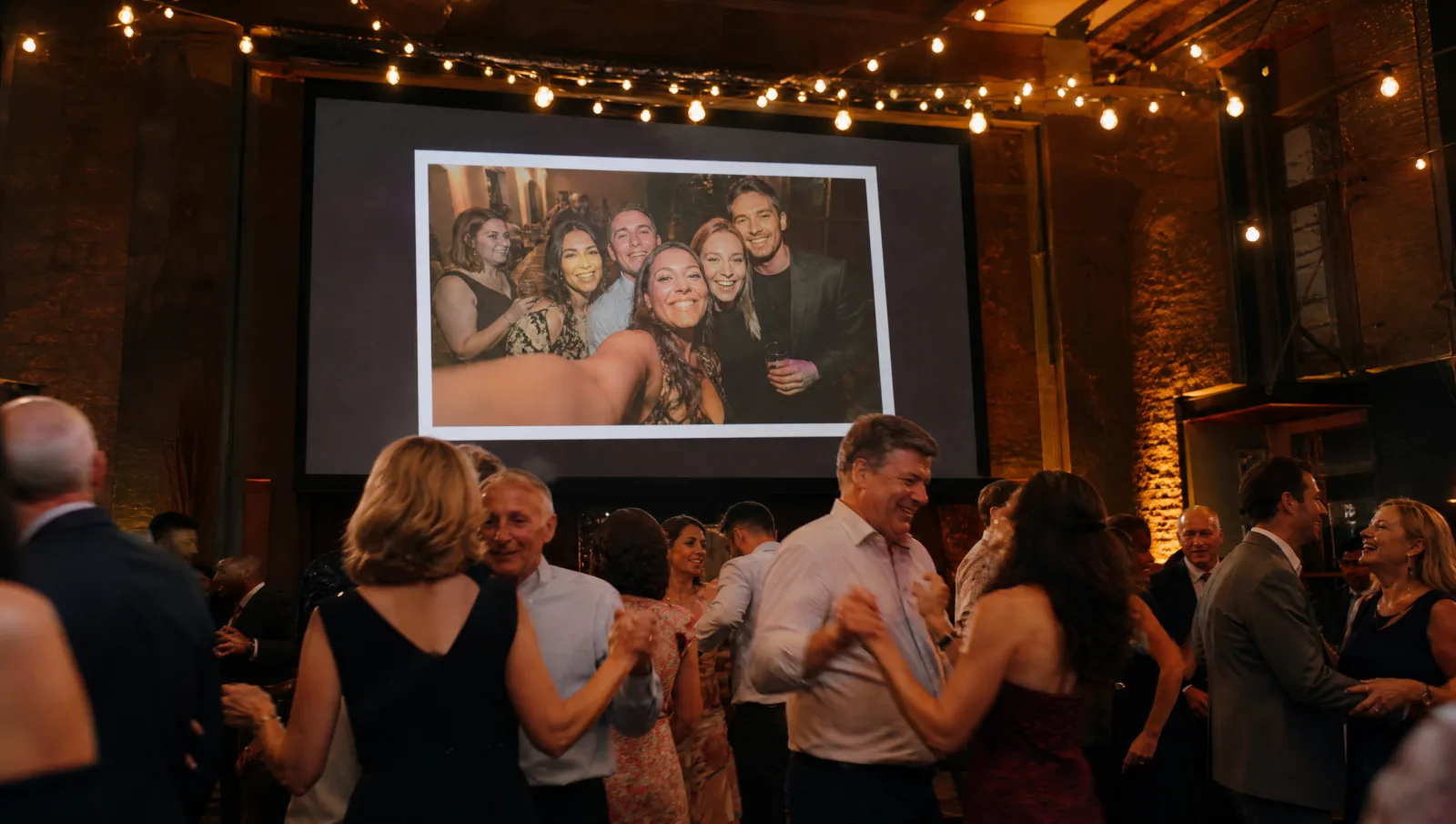
What is the live slideshow?
The Video Message live slideshow shows on a screen the photos guests send by scanning the event’s QR code. It runs in a web browser connected to the internet. Before the party, the host chooses whether photos appear automatically or after approval, and can take any photo off the screen at any time without deleting it from the album.
From phone to screen, in four steps

Guests send their photos
Several at once, straight from their phone’s gallery.

You approve, or not
Depending on the mode: automatic, or after approval, one by one or all at once.
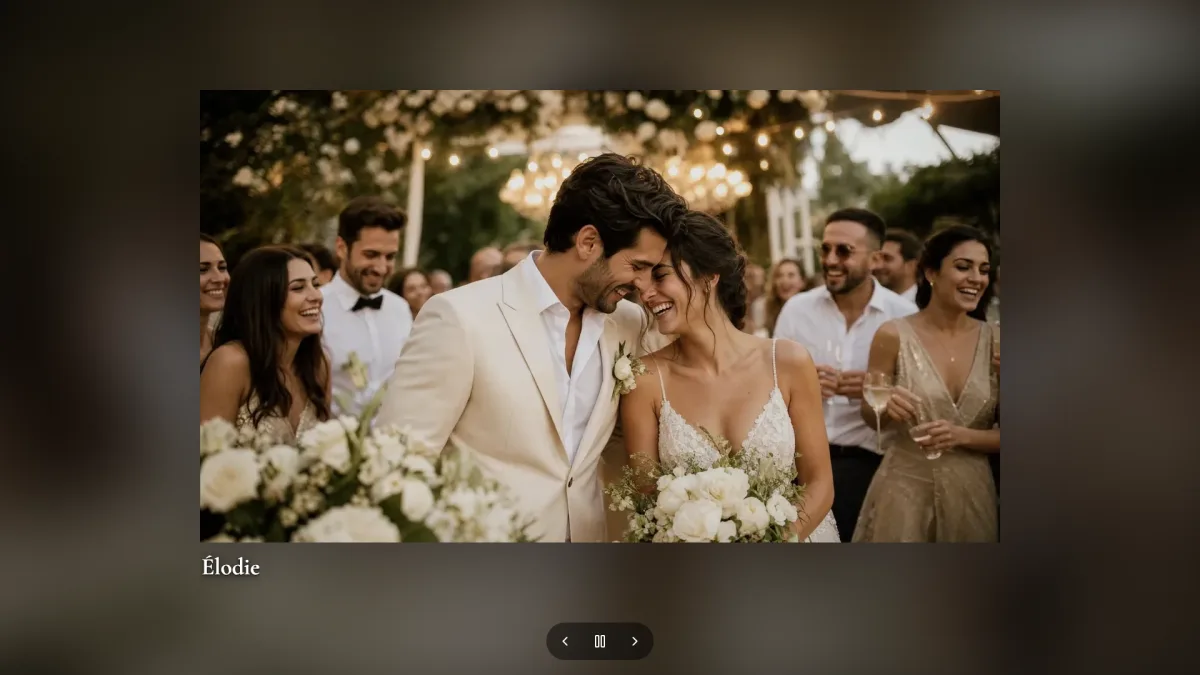
The photo appears
On the screen in the room, in the style and at the speed you chose.
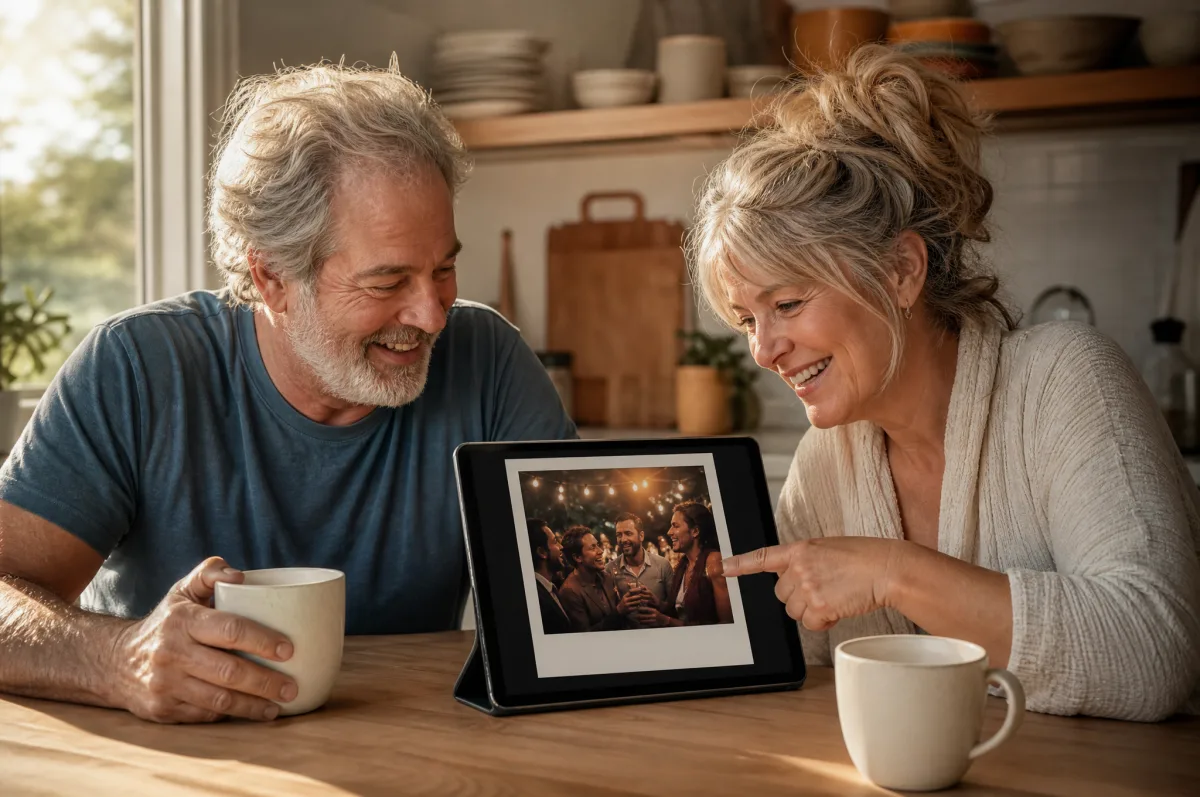
Watch it again later
Replay the slideshow and share it with family once the party is over.
Two modes, chosen before the party
You stay in control: pick the mode before the party; it locks when collection closes.
Automatic
Every photo goes straight to the screen. Ideal when you don’t want to watch your phone all night. You can still hide any photo.
Approval first
Photos wait for your OK. Approve them one by one or all at once, from your phone. Reassuring for a corporate or family event.
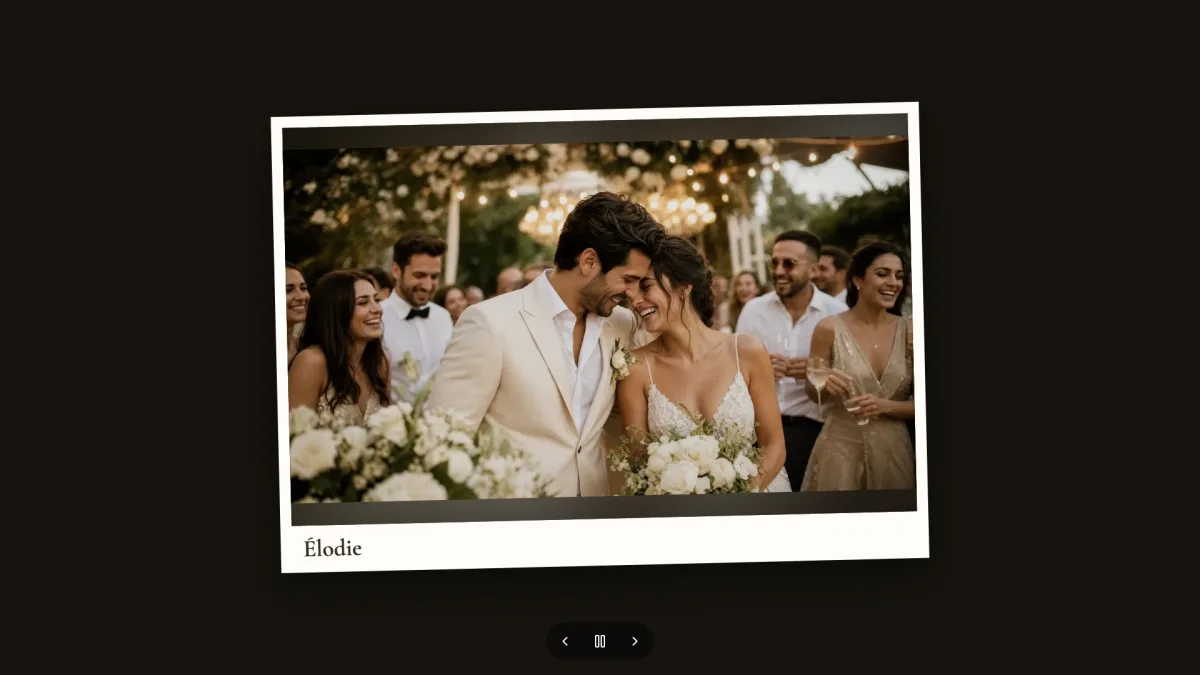
Three styles, three speeds
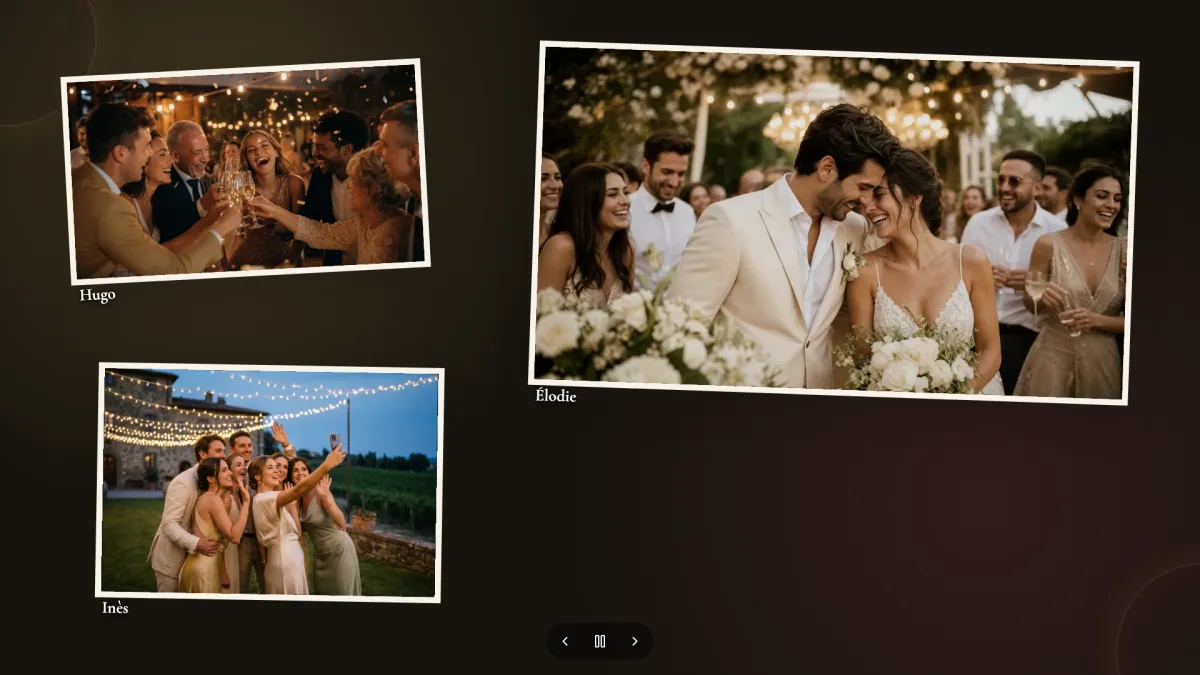
What to know before you buy
What you get
A slideshow link for your event, to open on the screen in the room, then replay and share after the party.
Who does what
Guests send, you (or your planner) control everything from your phone. The venue provides the screen.
When
Throughout collection. The link for the screen in the room stays active until 24 hours after collection closes.
What you need
A screen, TV or projector with a web browser, and an internet connection.
What you control
Display mode, style, speed, pause, and every photo: approve or hide.
Your files
Even when hidden from the screen, photos stay in your album and download with all the others.
Good to know
- The slideshow shows photos only. Videos go into the film.
- There is no built-in “cast to TV” button: open the link on a device connected to the screen.
- No music and no video export of the slideshow.
- Without an internet connection, new photos stop reaching the screen.
Frequently asked questions
Does hiding a photo delete it?
No. It leaves the screen but stays in your album and your downloads.
Can I control the slideshow from my phone?
Yes. From your dashboard you approve or hide photos, change the style and speed, and pause the slideshow.
Is a smart TV enough?
Yes, if it has a web browser and an internet connection. Otherwise, plug a laptop into the screen or projector and open the slideshow link there.
Can we watch the slideshow again after the party?
Yes. Replay it from your dashboard and share it with family through a link.
Does the slideshow cost extra?
No. It is included with every event, along with video, photo and note collection and the two films.
Keep exploring



Included with every event, $49
Video, photo and note collection, the live slideshow and two films, for one payment.
See the offer