
During the event
Every guest’s photos, together in one album
Guests send their photos straight from their camera roll, several at a time. You find them sorted by moment, and you download them all at the end.
Try it as a guest Included for $49Prefer it boxed? Get the Wedding Kit on Amazon, $79, with printed signage
What is a photo guest book?
A photo guest book is a shared album that guests fill with the pictures they take at your event. With Video Message, guests scan the event’s QR code and choose several photos at once from their camera roll, with no app and no account. They tag each upload with a moment, such as the ceremony or dinner. The host browses the album, filters it by moment, and downloads every photo as a ZIP file.
From their camera roll to your album
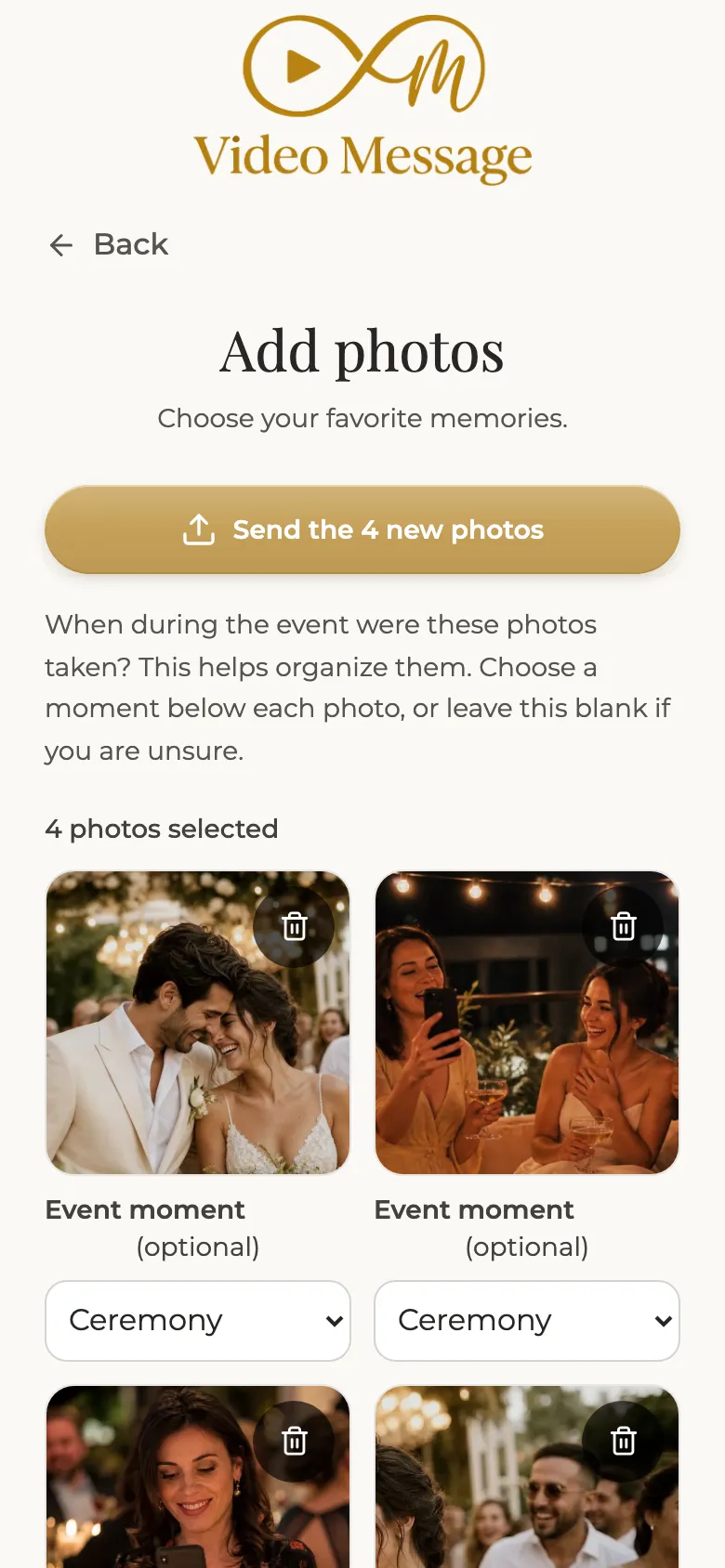
Guests pick their photos
Several at once, straight from the camera roll on their phone.
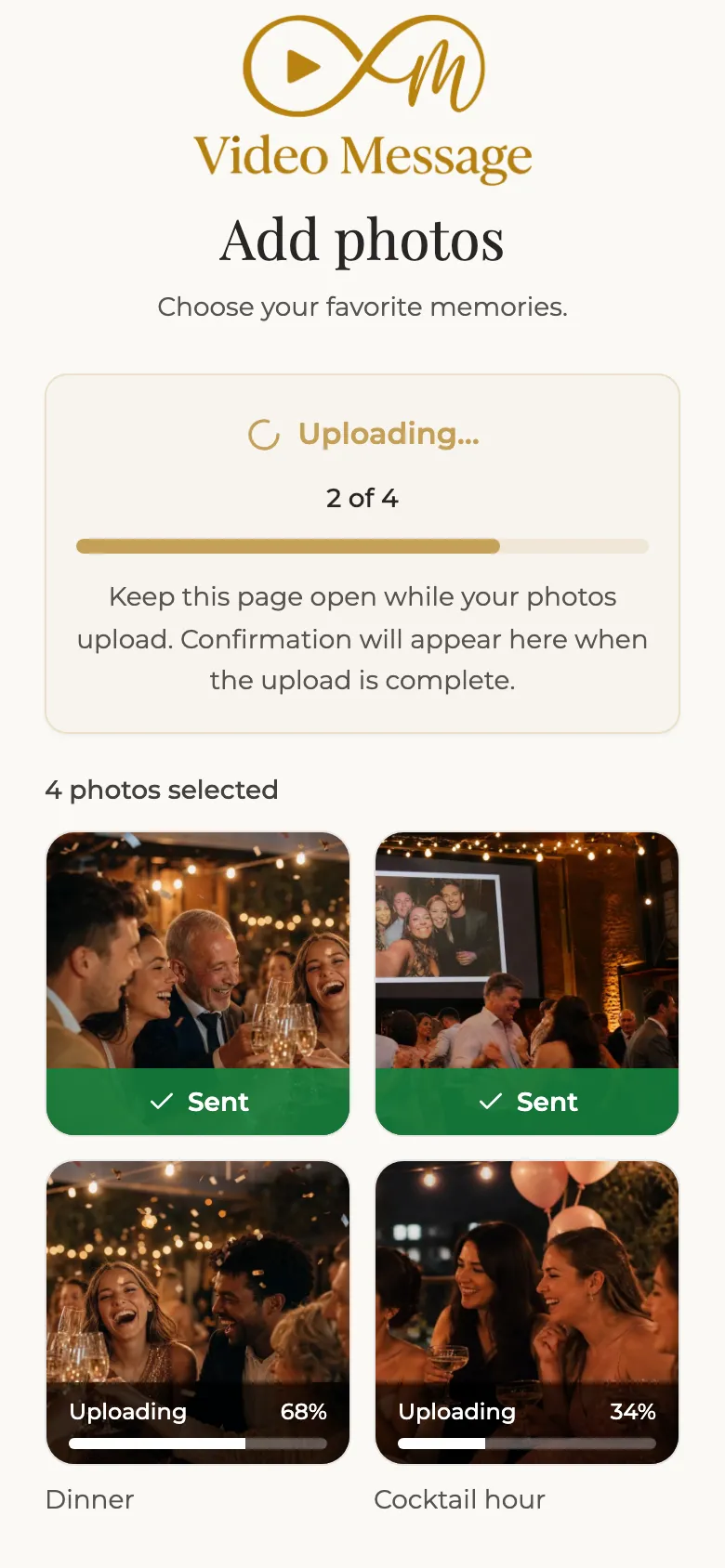
The upload runs on its own
Guests see the progress and can keep enjoying the party.
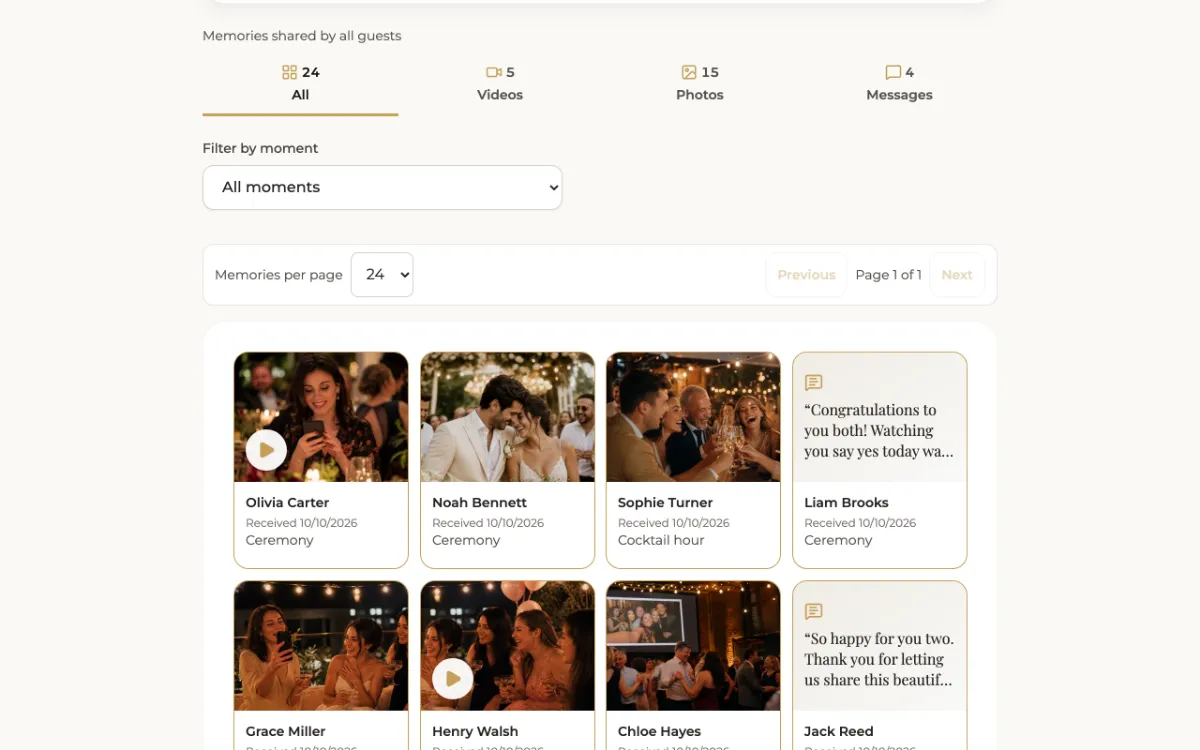
Everything lands in your album
You see each photo with the first name of the guest who sent it.
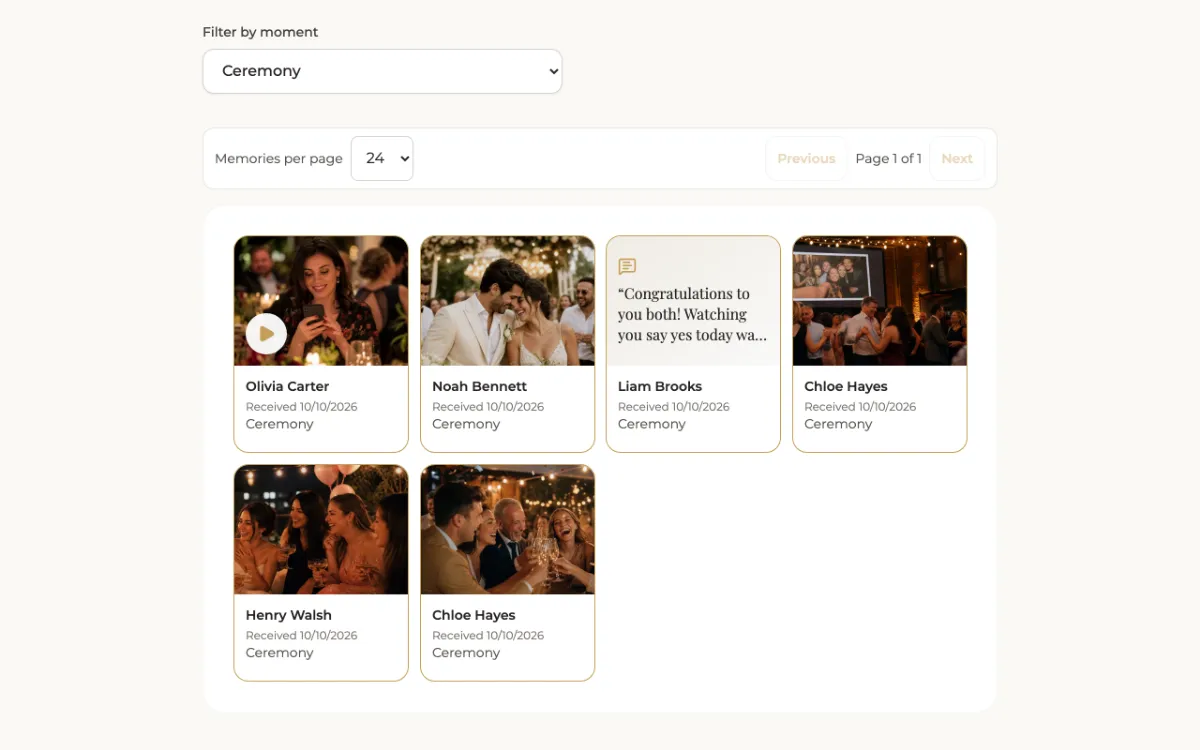
Filter by moment
Getting ready, ceremony, cocktail hour, dinner, dancing: find each part of the day in one tap.
What to know before you buy
What you get
One private album holding every photo your guests send, sorted by moment, ready to download.
Who uses it
Every guest with a phone. They join through the QR code at the venue or the link you share.
When
Before and during the party. Photos can also play live on a screen in the room.
What you need
Only your QR code and your link. Guests use their phone’s browser.
What you control
You browse the album, filter it by moment, and pick photos for your personalized film.
Your files
Download every photo as a ZIP. Files are deleted 3 months after your first film is delivered.
Good to know
- Guests choose the moment for their photos. For a wedding, the default moments are getting ready, ceremony, cocktail hour, dinner and dancing.
- The album is private: there is no public gallery. You share what you want.
- Photos do not go into the first film, which holds the video messages. Add them to your personalized film.
- The deadline to download is shown in your dashboard, and we send you a reminder by email.
Frequently asked questions
Can a guest send several photos at once?
Yes. They select several photos from their camera roll and send them in one go.
Do guests need an app or an account?
No. They scan the QR code or open the link, and everything happens in the browser.
How are the photos organized?
Guests tag each upload with a moment of the event. In your album, you filter by moment to find the ceremony, dinner or dancing photos in one tap.
Can the photos appear on a screen during the party?
Yes. The live slideshow shows guests’ photos on a screen in the room, automatically or after your approval.
How do I get all the photos?
Download them as a ZIP file from your dashboard, before the files are deleted 3 months after your first film is delivered.
Keep exploring
All features
Before, during and after the party: everything Video Message does.

The demo
Open the guest screen yourself and see the film you receive.
Written messages
A short note signed with a first name, gathered in a message book.
Pricing
Everything included for $49 per event, with volume pricing from 3 codes.
Your shared photo album, included for $49
Photos, video messages, written notes, the live slideshow and two films, for one payment.
See the offer