Video Message Pro
For event professionals: wedding planners, venues, companies…
See how you would use it:
Add a video guest book to the events you plan, host or run in-house, ordered at pro pricing in Video Message Pro. Guests and attendees share their videos, photos and kind words with a simple link or a QR code, no app needed.
Request pro access Sign inPro pricing in Video Message Pro · downloadable invoices · white label from 5 events or with a subscription
How can an event pro offer a video guest book to clients?
By buying events in Video Message Pro, the space reserved for event professionals, and including them in their packages. Each event comes with a link to send and a QR code to print. Guests take part with no app and no account: up to 3 one-minute video messages, photos and a written note, and their photos can play on the venue’s screen. The event’s host keeps the videos, the photo album, the written messages and two films, the first within 24 hours after collection closes. Wedding planners, venues and companies set their own price, get an invoice with every order and can offer the service under their own name: white label unlocks after 5 events bought or with a subscription.
How professionals use it day to day

Wedding planners
Include it in your packages or bill it as its own line, at whatever price you set. On a proposal read like a price list, a service the other planner doesn’t offer carries more weight than a discount.
- All your weddings in one account, even three on the same Saturday, each in its own private space.
- Send the link to the couple by email, WhatsApp or text, and hand the QR code to your printer with the rest of the stationery.
- Set it up and deliver the finished film yourself, or let the couple run their own space: you decide event by event.
- The first film arrives within 24 hours after collection closes, with no editing on your side.
Wedding venues and event organizers
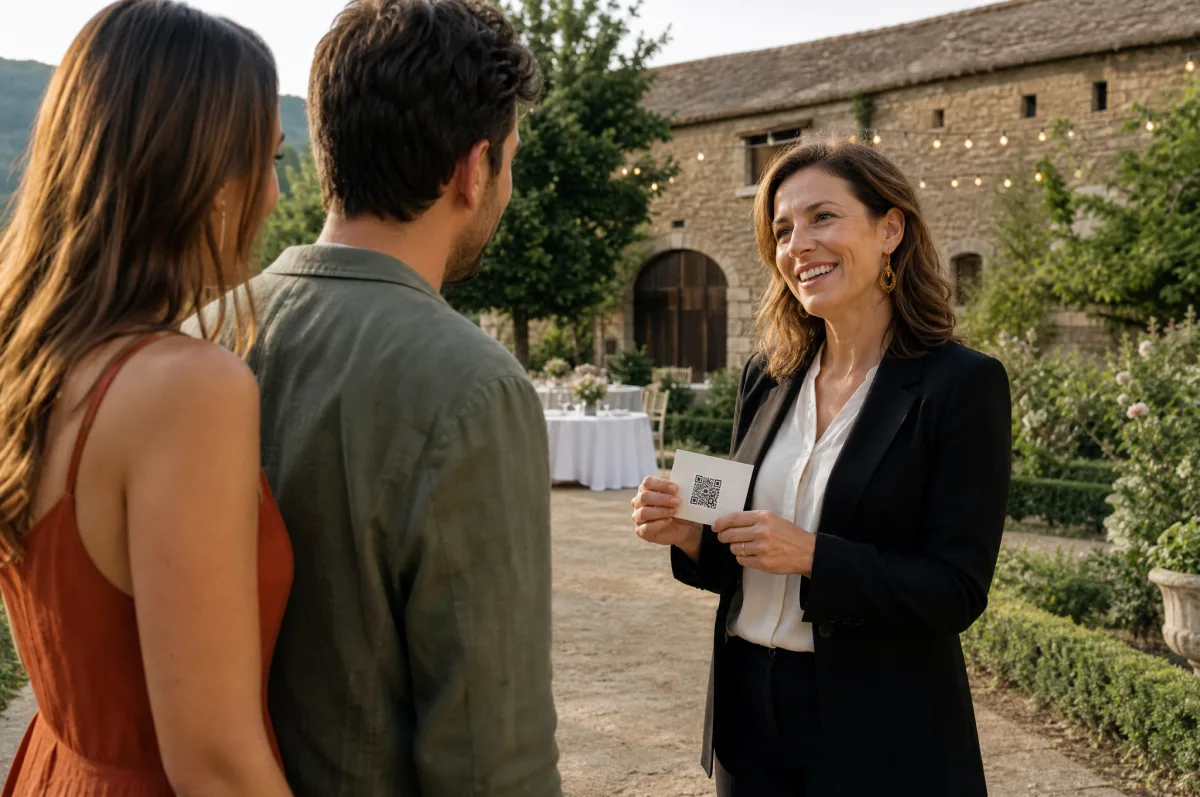
Estates, barns, ballrooms: offer it to every couple or client you host, included in your packages, as an add-on or under your own name. No booth to set up, no staff to schedule.
- One more selling point on tours, while couples compare venues.
- The guests’ photos play on your venue’s screen or projector, approved first if the host wants.
- A QR code at the entrance, the bar, the buffet: nothing for your team to run.
- Your whole season in one account, one event per celebration: videos, photos and films go to each event’s host.
Corporate events
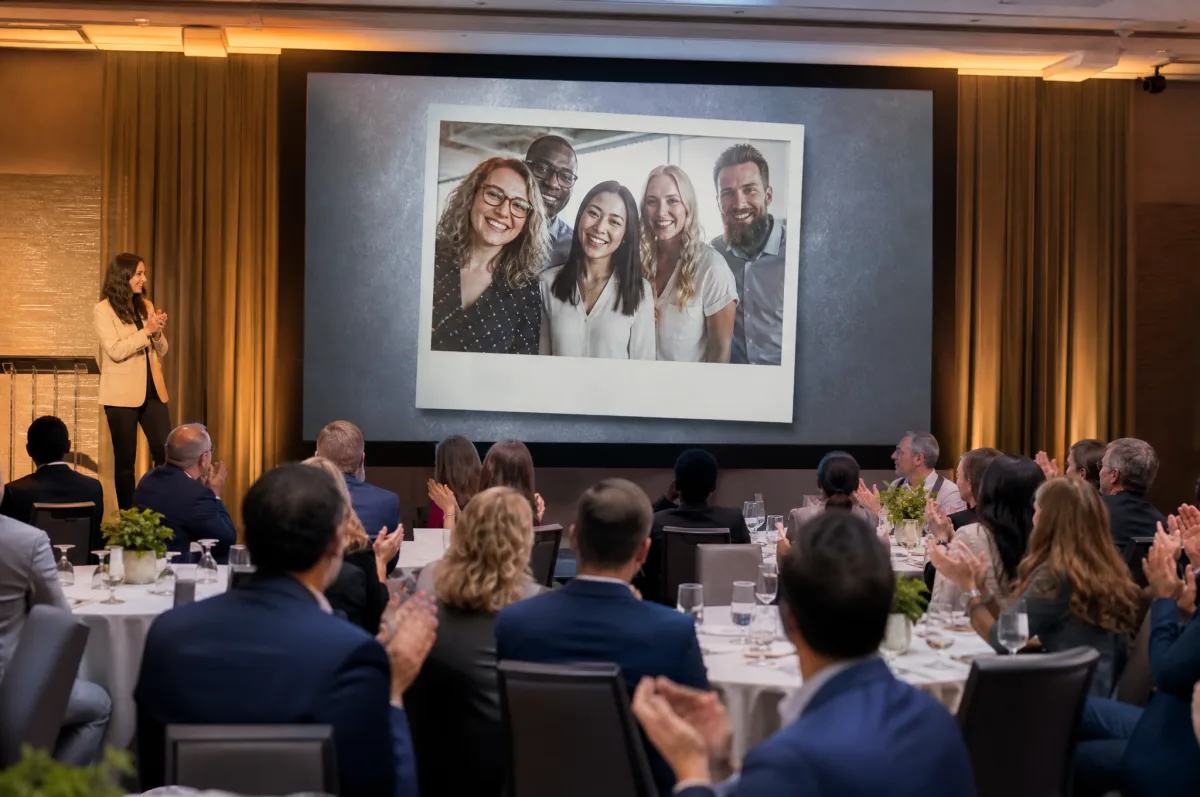
Conferences and offsites, holiday parties, team building, farewells: your colleagues take part from their phones, on site or remote, and the best moments stay with the company.
- During a conference, photos from the room appear between talks, after your approval if you want it.
- For a farewell, the link goes to the whole team, colleagues in other offices included, and the person you celebrate gets a film to keep.
- No app and no account for attendees, and all of the year’s events in one account.
- Everything is deleted from our servers three months after the first film, for attendees’ privacy.
What your clients receive
The couple, the host or the company finds everything guests sent in their own dashboard.
The video messages
Every filmed message, to watch one by one and download.
The photo album
Every guest photo, shown live on the screen during the party. Your client can choose to share the album with their guests.
The written messages
The notes from guests who prefer to write, gathered in a PDF message book.
Two edited films
The first within 24 hours after collection closes, then a personalized film with the videos, photos and notes you choose.
How to get your pro access
Video Message Pro is the space reserved for event professionals. Access is on request.
1. Request access
Tell us about your business in a few minutes: your company, your country and where we can see your work.
2. We review your request
Our team reads every request. You receive an email as soon as your access is open.
3. Order your events
One by one, in packs, or with a monthly or yearly subscription, with downloadable invoices and every client event in one place.
White label · Included in Video Message Pro
Your clients and their guests see your brand, not ours
For the weddings you plan, the celebrations you host or your company’s own events: your logo and colors, from the QR code to the emails. The slideshow and the films don’t mention Video Message. You set up your brand yourself, in minutes.
- The QR code. Your logo in the center of the printable QR code, in place of ours.
- The guest page. Your logo and colors, from the moment the link opens or the QR code is scanned.
- Your clients’ dashboard. Your logo and colors where your client sets up the event and finds the films.
- The emails. Emails to your clients carry your logo and colors, are sent in your name, and replies come to you.
- Sharing. Shared links open on pages in your name, with no mention of Video Message.
- The message book. Your logo on the cover of the PDF of guests’ notes, in place of ours.
- The slideshow and the films. No mention of Video Message: the attention stays on the guests.
Three-step setup, what you provide and what isn’t included
Three steps, then every event
- You request access. Tell us about your business in a few minutes. Our team reads every request and opens your Video Message Pro space.
- You buy your events. One by one, in packs, or with a monthly or yearly subscription. White label unlocks once you’ve bought 5 events in total, from your first month on Pro or Agency, or after 2 paid months on Essential. We email you when it opens.
- You save your brand. Logo, colors, reply-to address: a preview shows the result, and all your events pick it up.
What you provide: your company name and your logo. Colors are suggested from your logo, the reply-to address is optional, and everything is set in the White label screen, without waiting for our team.
What isn’t included: films stay understated, without your logo or ours. A domain in your name or emails sent from your own domain are custom options, quoted on request.
Included in Video Message Pro: once you’ve bought 5 events in total, from your first month on the Pro or Agency plan, or after 2 paid months on the Essential plan.
Questions from event pros
Can I resell events in my packages?
Absolutely. You buy at pro pricing in Video Message Pro and charge your client whatever you want, as its own line or folded into a package. No suggested price, and we never contact your clients.
Where can I see your pro prices, and is there a minimum order?
Pro prices are shown in Video Message Pro once your access is open. There is no minimum: buy one by one, in packs, or with a monthly or yearly subscription, through the season.
Do you provide invoices?
Yes. Every order includes a downloadable invoice, accessible anytime from your space, ready for your books.
How long does a purchased event stay valid?
It never expires before it is activated, so you can order ahead and use your events across the season, or the next one. Once an event is over, its content is deleted 3 months after the first film, with an email reminder first.
Is there a guarantee?
Yes. Any events you don’t use are refunded for 14 days. After that they stay usable with no time limit.
I run several clients at once. Will it hold up?
Each event has its own private space, and nothing mixes from one client to the next. You see them all from one account; your client only ever sees their own.
Can my client run their own event?
Yes. Hand them access to their space: they pick the music, write the opening and closing cards, build their personalized film, and download the films, videos and photos as a ZIP and the notes as a PDF. Or do it all for them and deliver just the final file.
Do we need equipment or staff on site?
No. A posted QR code is all guests need to take part. For the slideshow, you need a screen, TV or projector with a browser and an internet connection.
Who receives the films and photos: the venue or the couple?
The couple. Each wedding is its own event: its videos, photos, notes and films are gathered in that event host’s dashboard, kept apart from every other.
What if cell service is weak at the venue?
Guests need a connection to send their videos and photos, and so does the slideshow screen. If cell service is weak, share the guest Wi-Fi; guests can also send their contributions later, as long as collection is open.
Do our employees need to create an account?
No. They scan the QR code or open the link and take part from their phone’s browser. Their first name is optional.
Can we approve photos before they appear on screen?
Yes. Before the event, you choose automatic display or display after approval. A hidden photo leaves the screen but stays in the album.
Can remote colleagues take part?
Yes. Send them the link by email or chat: they send their video, photos or a note from anywhere, as long as collection is open.
Will my clients see the Video Message name?
With white label, no: the QR code, the guest page, their dashboard, the emails and the sharing pages carry your name, and neither the slideshow nor the films mention Video Message. Emails are sent from our sending domain; links and emails fully on your own domain are a custom option, quoted on request.
Worth a look before you decide
The demo
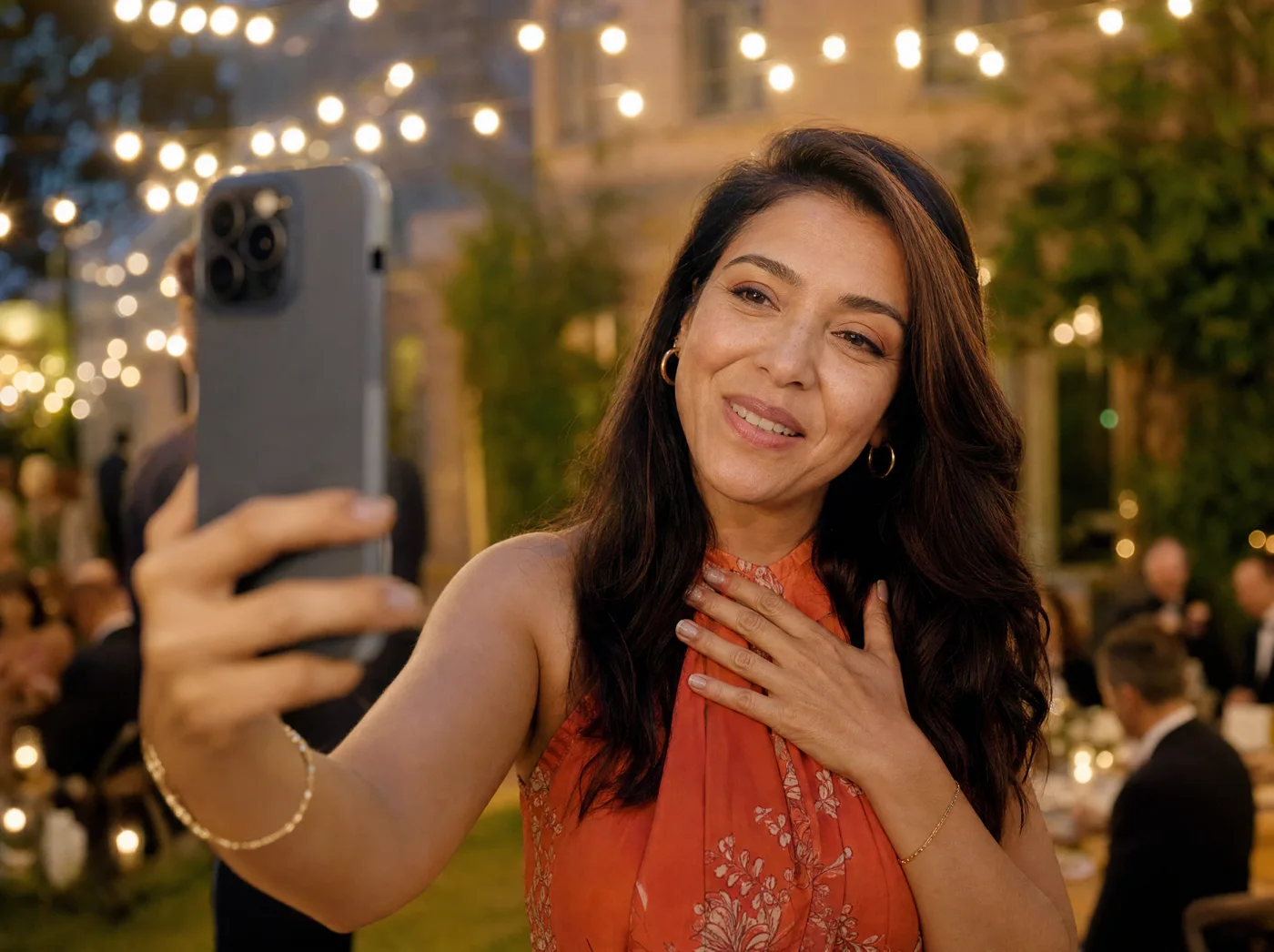
The film a client receives, and the page their guests see.
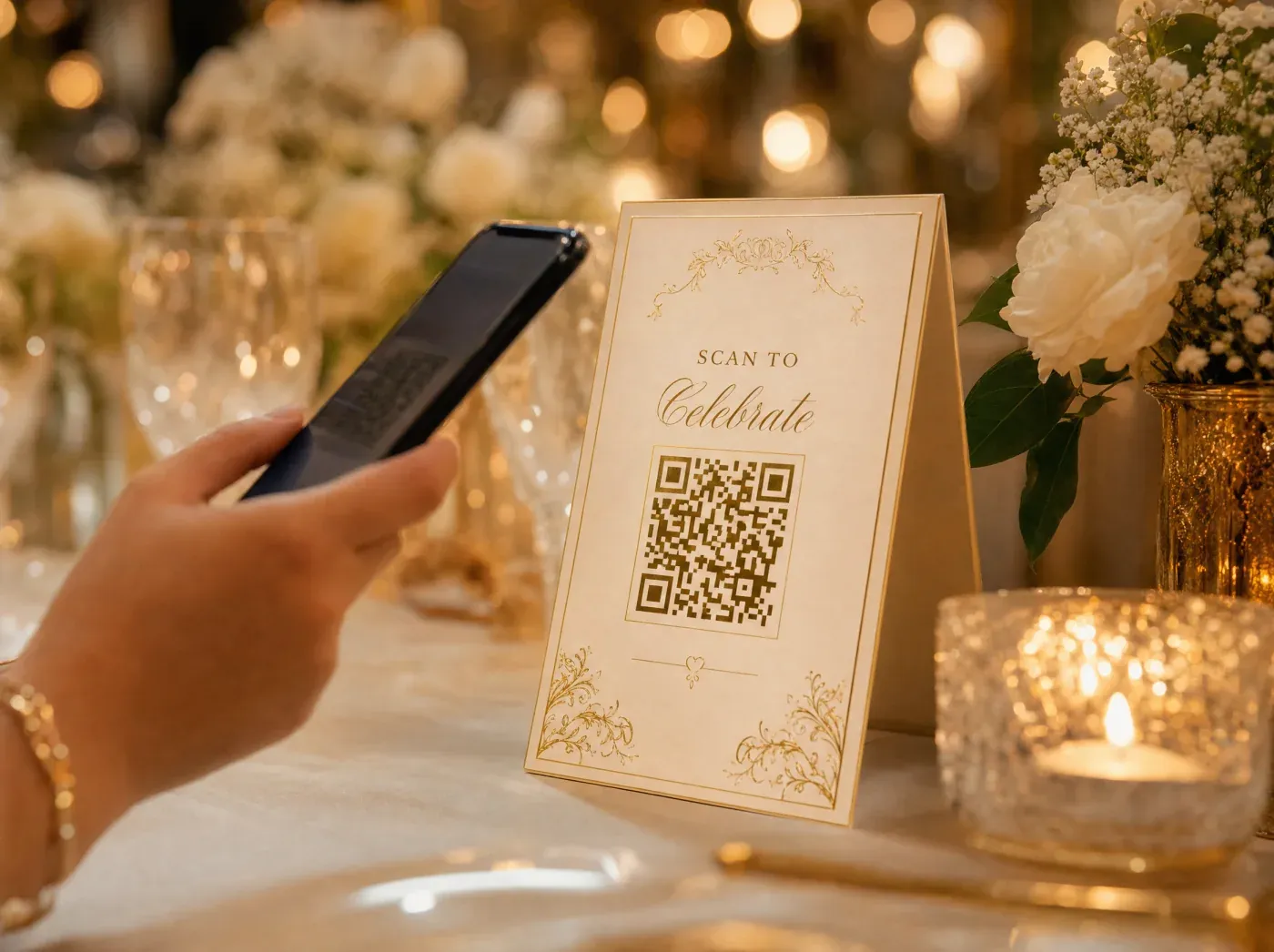
Printable templates
Signs and table cards to personalize with your QR code.
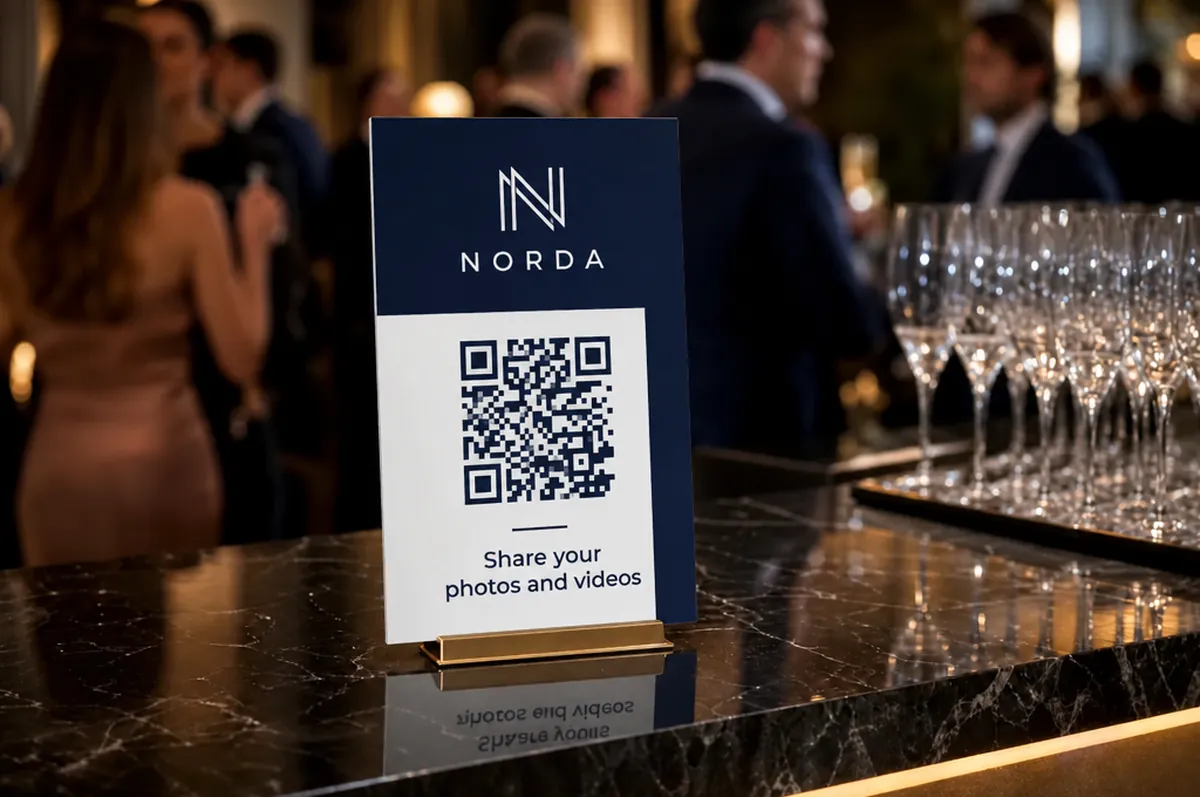
White label in detail
Your logo and colors, from the QR code to the emails, and custom work on quote.

The wedding page
What your client reads if they look on their own.

Other occasions
Birthday, retirement, celebration of life: the same guest book, a different tone.
Contact us
A question before you request access, or a detail to add to an invoice.
Try it on a real event before you commit your season
Request your Video Message Pro access, then start with a real client or a real team event. One weekend is enough to see whether guests play along, and you come away with a film to show.
Request pro accessPro pricing in your space · downloadable invoices · unused events refunded for 14 days
Pro updates & offers
New features, partner perks, and seasonal offers for your events business: a few emails a year, never spam.