
During the event
A video guest book your guests fill from their phone
Guests scan the QR code or open your link, then record a message or pick a clip from their camera roll. Every message lands in your private space and goes into your first film.
Try it as a guest Included for $49Prefer it boxed? Get the Wedding Kit on Amazon, $79, with printed signage
What is a video guest book?
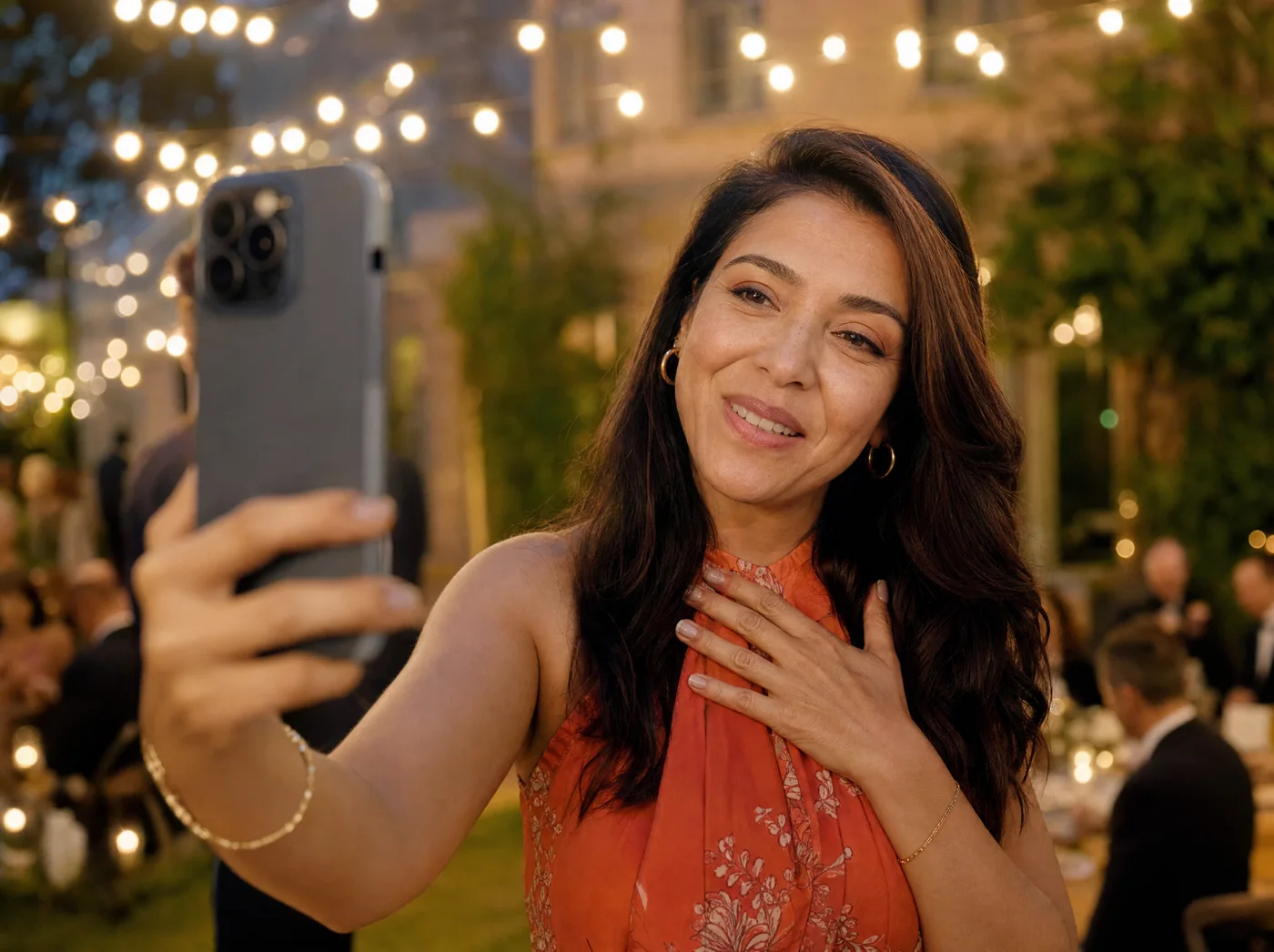
A video guest book collects short video messages from guests instead of written signatures. With Video Message, guests scan the event’s QR code or open a shared link, then record a message of up to 1 minute or choose one from their camera roll, up to 3 per guest. There is no app to install and no account to create. The host receives every clip, plus a first film edited from the messages.
From a scan to a film, in four steps
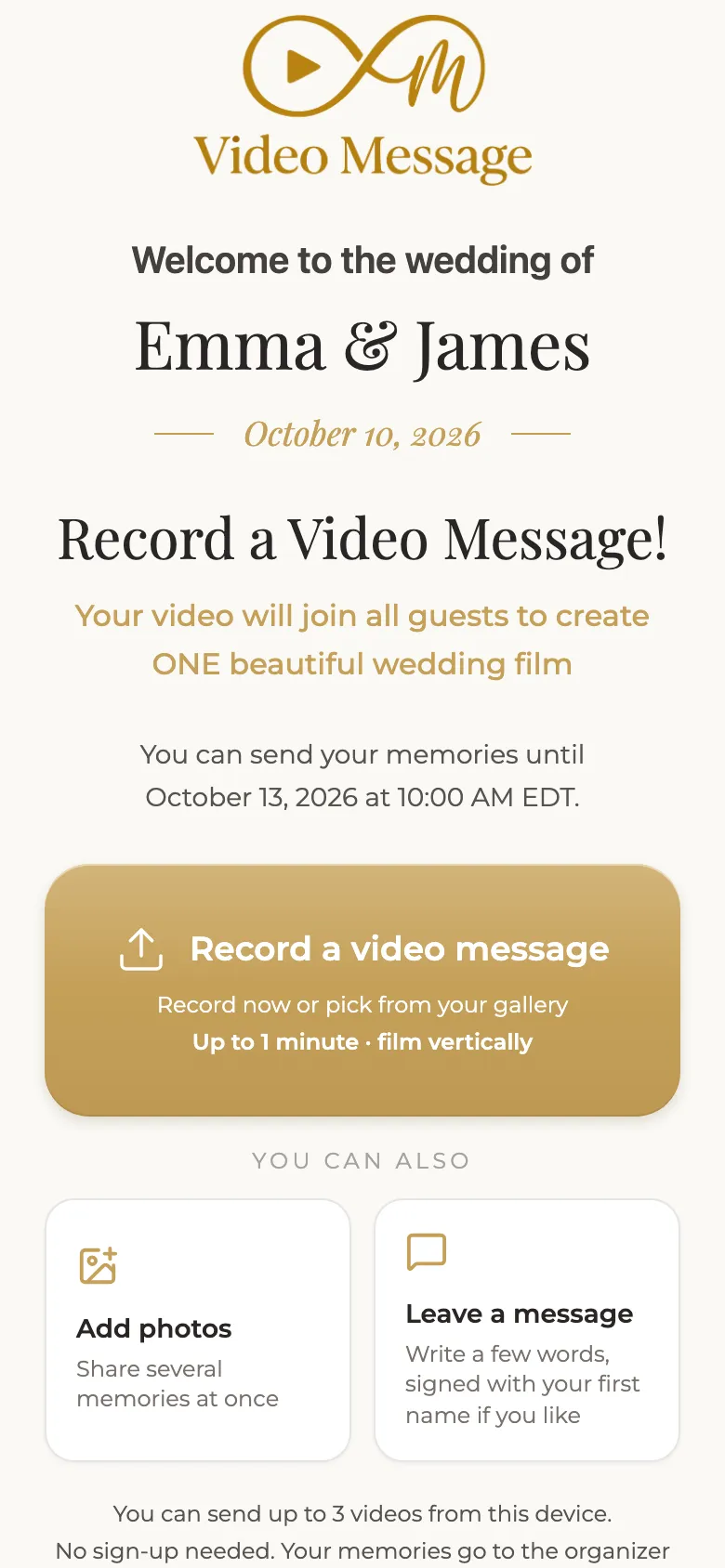
Guests open the guest screen
They scan the QR code at the party, or open the link you sent them.
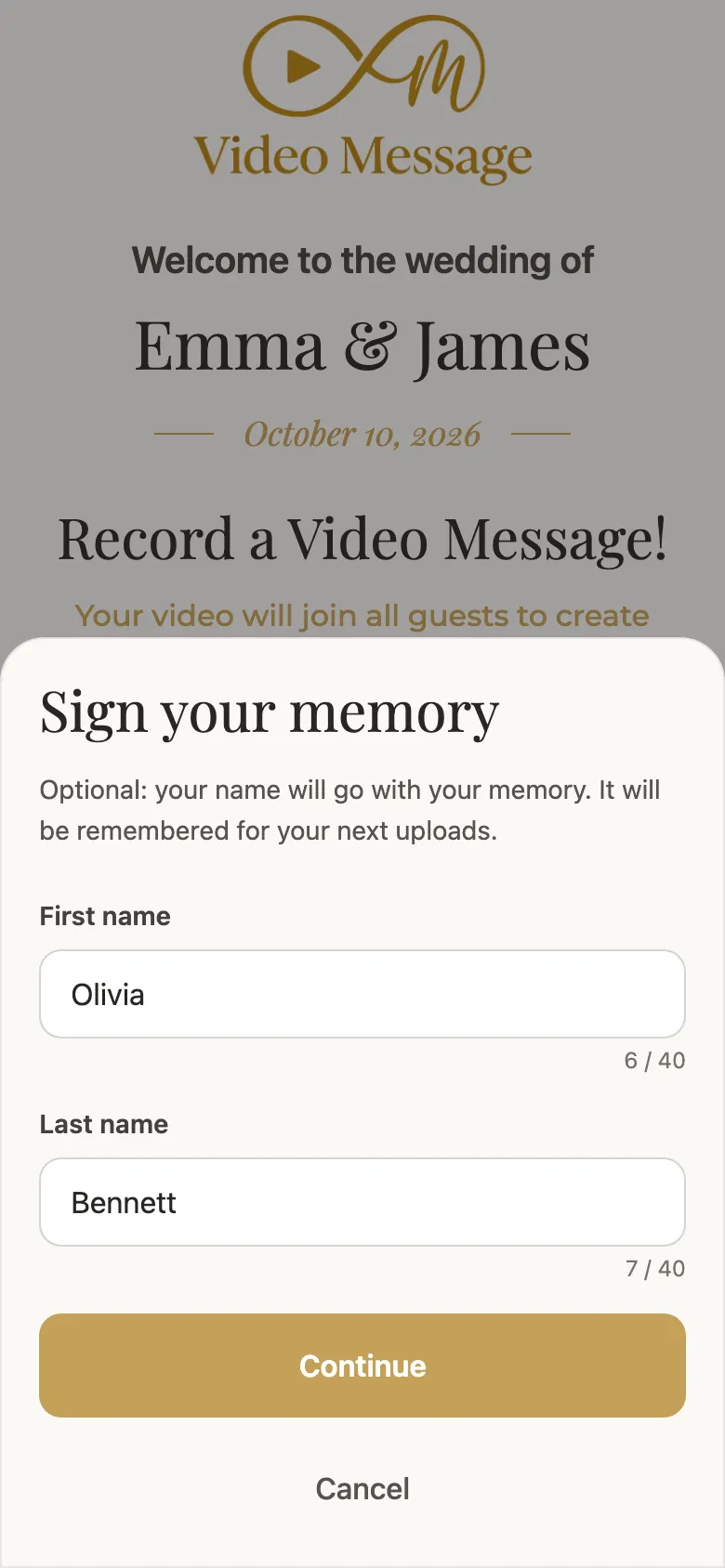
They add a first name
So you know who is speaking. It is optional, and nobody has to sign up.
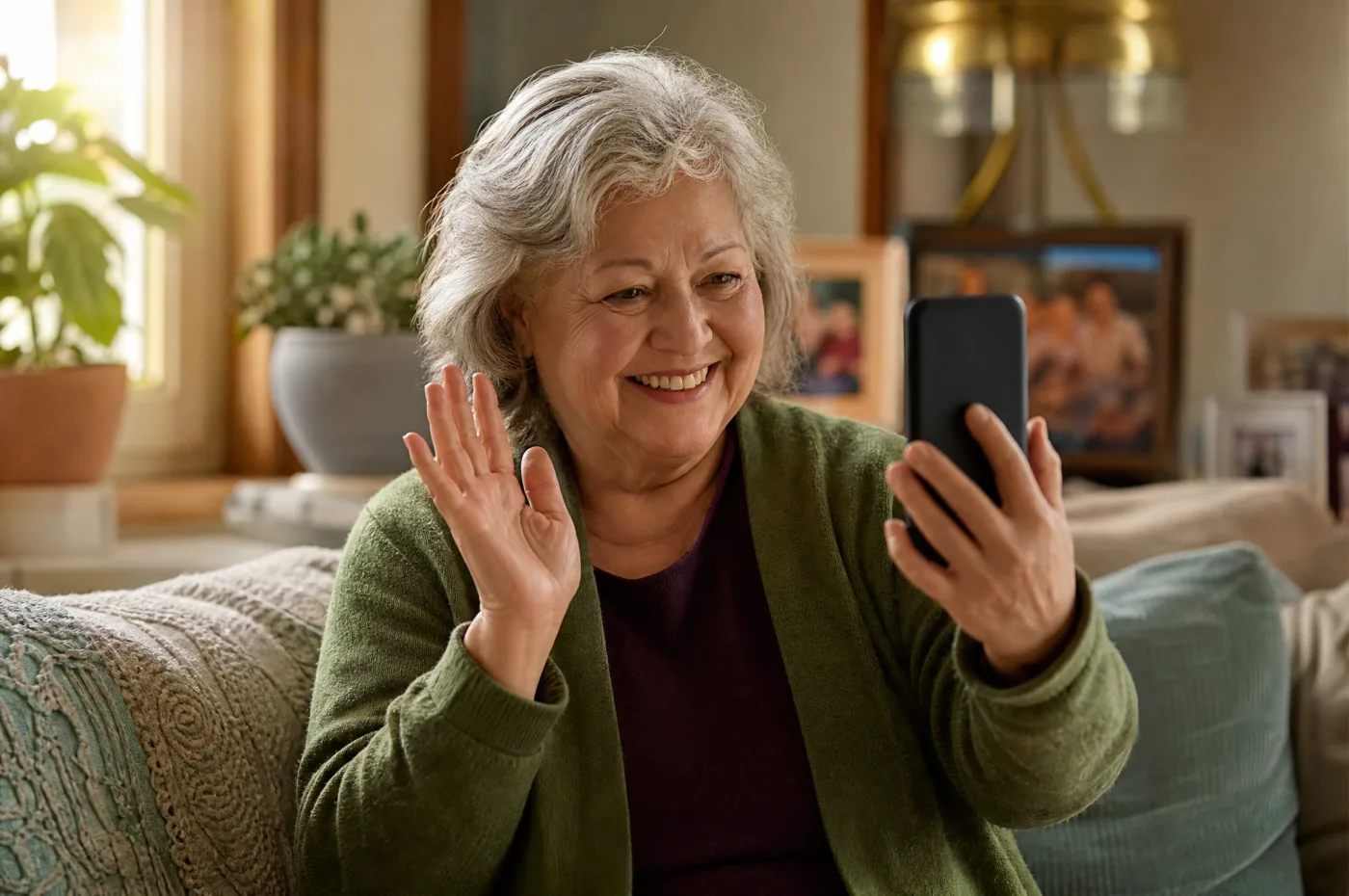
They record, from anywhere
At the venue or from home: loved ones who can’t attend send their message too.
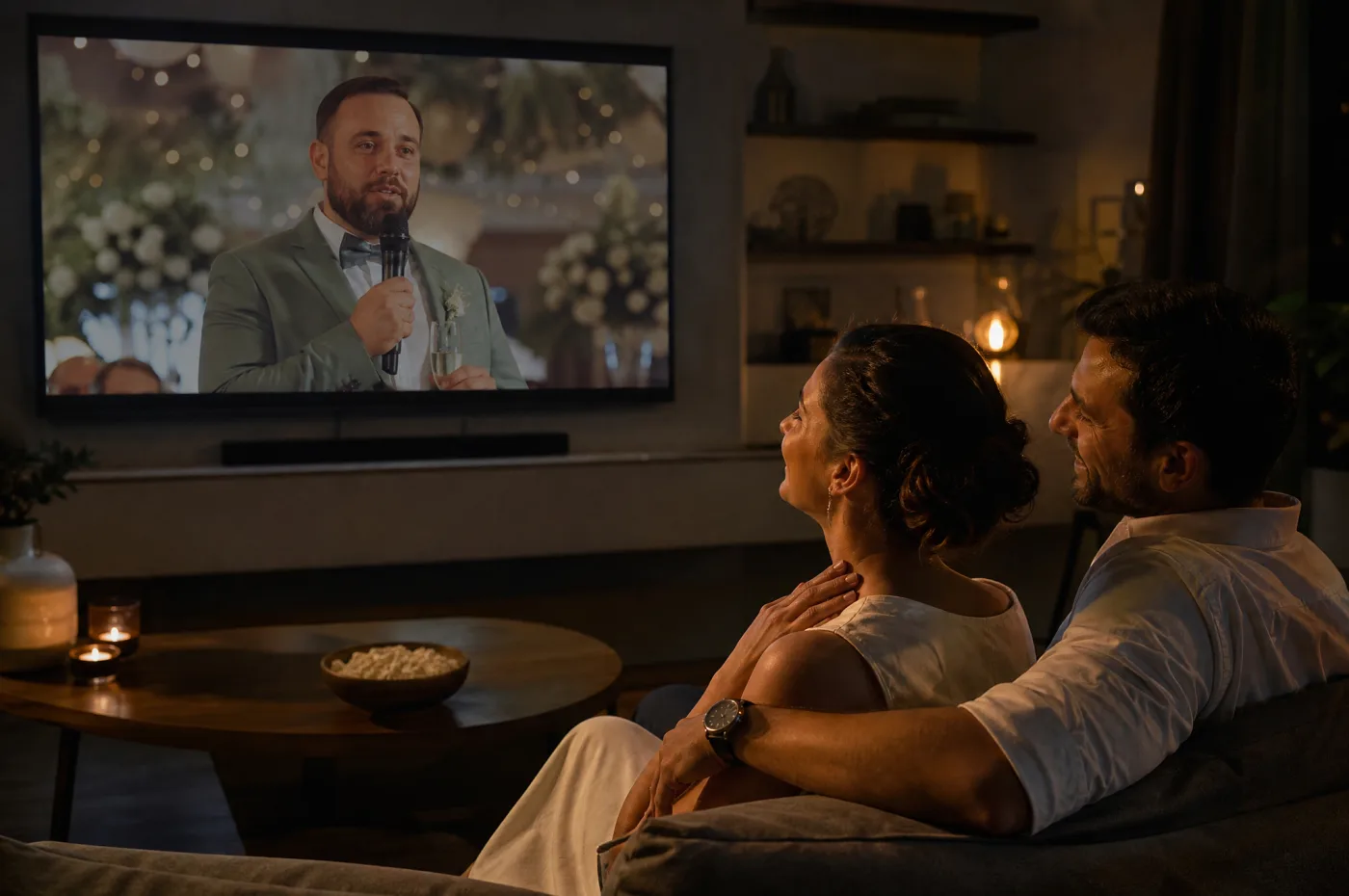
You watch the film
The messages become your first film, delivered within 24 hours after collection closes.
What to know before you buy
What you get
Every video message in your private space, a first film edited from them, and all the clips to download.
Who uses it
Your guests, at the party or from home. Grandparents and friends abroad can join through the link.
When
Guests can send messages before and during the party, as soon as you share the QR code or the link.
What you need
Guests need a phone with a camera and an internet connection. Nothing to install.
What you control
You see who sent what, and you choose which videos go into your personalized film.
Your files
Download every video as a ZIP, plus your films. Files are deleted 3 months after your first film is delivered.
Good to know
- Each video message lasts up to 1 minute, and each guest can send up to 3.
- Videos do not play in the live slideshow, which shows photos only. They go into the film.
- The guest screen appears in your event’s language, chosen from 6 languages.
- Need more time to collect messages? Write to us.
Frequently asked questions
Do guests need to download an app?
No. They open the guest screen in their phone’s browser, with no app and no account.
How long can a video message be?
Up to 1 minute. Each guest can send up to 3 messages, so a shy guest can try again or add a second thought.
Can guests upload a video they already filmed?
Yes. They can record on the spot or pick a clip from their camera roll.
Can people who aren’t at the party send a message?
Yes. Share the guest link by text, email or with your invitation, and they can record from wherever they are.
Do guests have to give their name?
We ask for a first name so you know who is speaking, but guests can leave it blank.
What happens to the videos after the party?
They become your first film, delivered within 24 hours after collection closes. You can also use them in your personalized film and download them all.
Keep exploring
All features
Before, during and after the party: everything Video Message does.
The demo
Open the guest screen yourself and see the film you receive.
Shared photo album
Guests send their photos from the same screen, several at once.
Pricing
Everything included for $49 per event, with volume pricing from 3 codes.
Your video guest book, included for $49
Video messages, photos, written notes, the live slideshow and two films, for one payment.
See the offer