Baby shower video guest book
A video guest book for your baby shower
Guests film a short message for the parent-to-be on their own phone. You receive every video, the photos, the written messages and 2 films.
See prices and orderWhat is a video guest book for a baby shower?
It is the video version of a guest book, not a paper book. You get one link to send by message and one QR code to display. Guests open it in their phone's browser, with no app and no account, and send videos of up to 1 minute each (up to 3 per phone), photos or a written message. You receive everything, plus 2 films.
Not a paper book
If you searched for a baby shower guest book, you may have pictured a book on a table with a pen. This is something different. Nothing is printed and nobody signs a page. Guests use their phones to send what they would have said out loud: a wish, a piece of advice, a funny memory, a name suggestion.
The written messages can also be gathered as a PDF book, digital only.
What you get
Four things, each as important as the others:
- Video messages, each one on its own, ready to keep.
- The photo album, which goes to you only.
- Written messages, also as a PDF book.
- 2 films, described below.
Learn more about video messages, the photo album and written messages.
How you set it up
Create your event
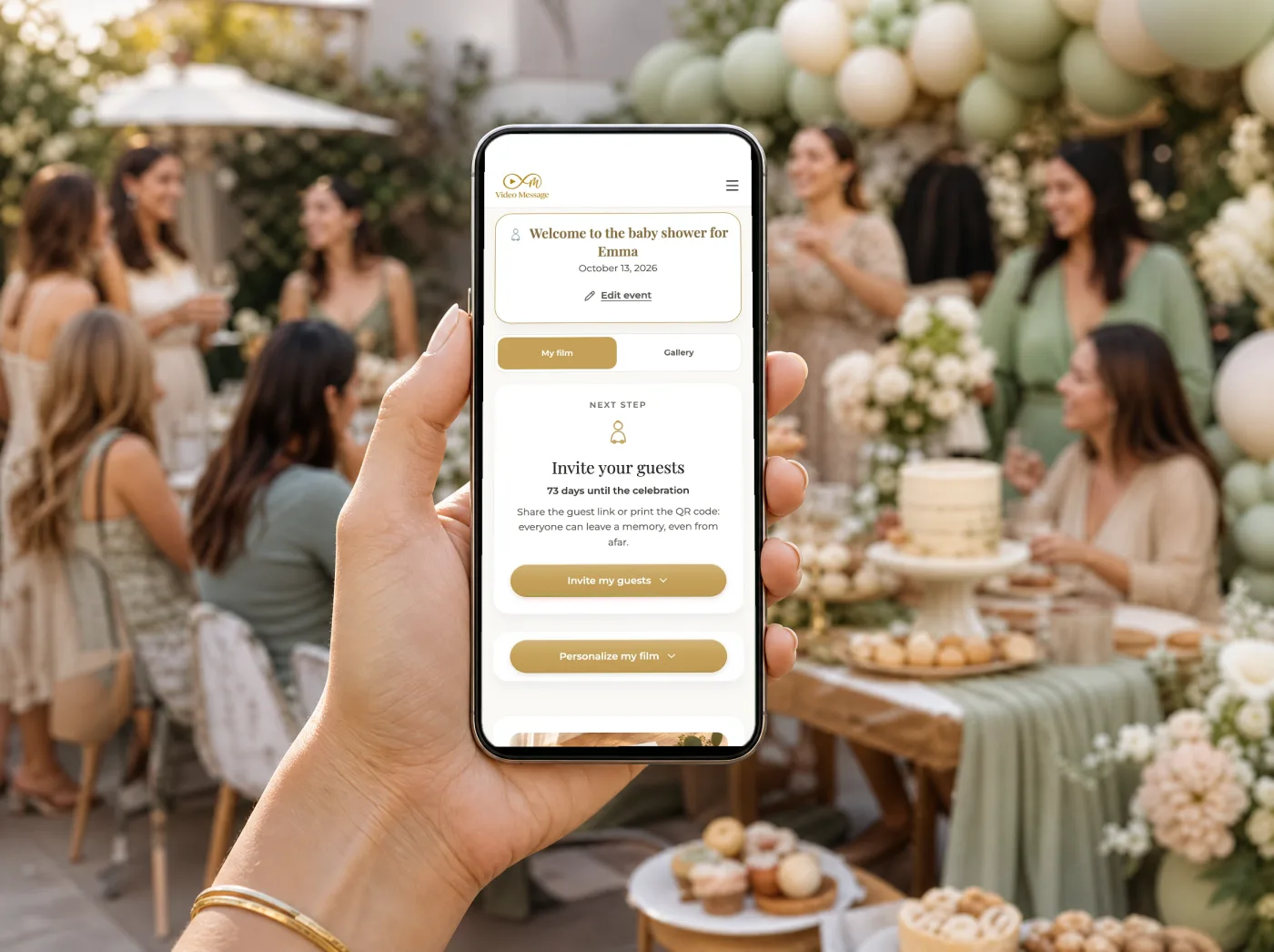
Order one event and you get a link and a QR code for your baby shower.
Send the link
Share it by message, WhatsApp or email with the guest list. This is the main way guests join in, including those who can't attend.

Display the QR code
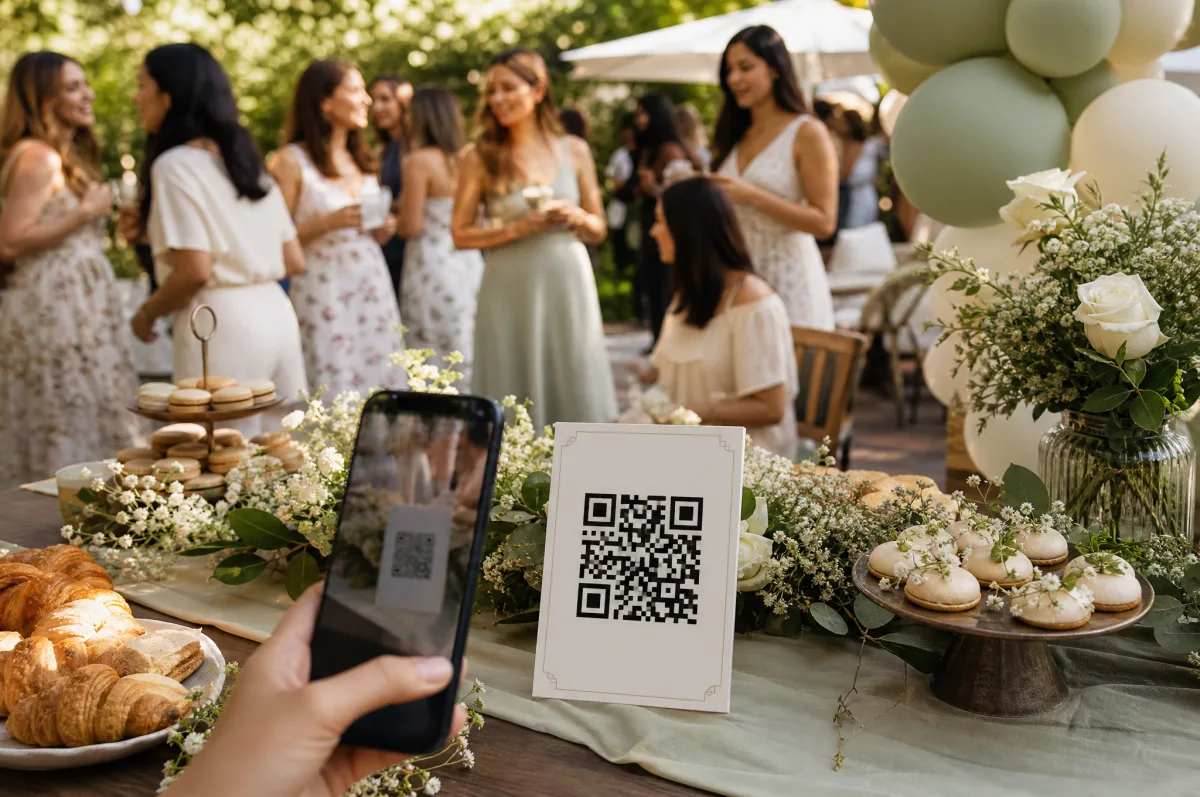
Print it on a sign or on cards and place it in several spots: the gift table, the food table, the entrance.

Close the collection
You choose when to stop collecting. You can send guests a reminder before you do.
How guests send their messages
Open the link or scan the code
It opens in the phone's browser. No app to install and no account to create.
Enter a first name
That is all a guest has to give before sending.
Film or pick a video
Guests film with the phone camera or choose a video already on the phone. Each video lasts at most 1 minute, and each guest can send up to 3 videos per phone.
Add photos or a written message
A few photos from the party or a short note can go in as well.
The 2 films
The first film is made for you automatically. It brings together the video messages with a selection of the guests' photos and written messages. It is ready within 24 hours after the collection closes.
Then comes the personalized film. You choose among everything that was sent: videos, photos and written messages. You decide the content, the order, the mood, the music, the color look, the transitions and the opening and closing text. A baby shower film can open with the parent-to-be's name and end with a wish for the baby.
You download both films along with every video message, photo and written message, so the wishes gathered before the birth stay with the family long after the shower.
Ideas for what guests might say
“We can't wait to meet your little one. Here is the one piece of advice I wish I had heard: nap when the baby naps.”
“I'm filming this from the kitchen while the cake is being cut. Congratulations, you two!”
“I couldn't be there today, but I'm with you. Auntie is ready to babysit.”
“My vote for the name: whichever one makes you smile the most.”
Good to know
Honest limits
- Each video lasts at most 1 minute, and each guest can send up to 3 videos per phone.
- The later you close the collection, the later the first film arrives.
- Guests see other guests' photos only if you open the guest gallery, or on the live slideshow on a screen, which shows photos only and which you can moderate.
- Everything stays available for 3 months after the first film, as a privacy protection. Download your films, photos and messages to keep them forever.
Questions about the baby shower video guest book
Do guests need an app or an account?
No. They open the link or scan the QR code in their phone's browser, give their first name and send.
When can guests send their messages?
During the party and for a few days after. You choose when the collection closes, and you can send guests a reminder.
Can guests who can't come to the shower still send a message?
Yes. Send them the link by message, WhatsApp or email. They film or pick a video on their phone and send it, just like the guests at the party.
Is it a printed book?
No. It is a digital guest book for videos, photos and written messages. The written messages can be gathered as a PDF book, digital only.
Can I use it for several events?
Yes. One account can manage several events, each with its own code. That helps if you are hosting more than one shower or another celebration later.
How much does it cost?
One event costs $49, and a pack of 3 events costs $99. Event professionals can ask for access to Video Message Pro.
Keep exploring
Collect every wish for the baby
One link, one QR code, and a film of the people who love you.
Order your video guest book$49 for one event, $99 for a pack of 3 events.