
Practical guide · Weddings and events
Photo QR code signs: what to write and where to put them
David Haïk, founder of Video Message
Checked on
Short answer
A good sign says in one sentence what guests can send, makes clear there is no app and no account, and shows a QR code that is large and high-contrast. Put the same QR code wherever guests wait: the entrance, the bar, the buffet and the tables. Test it on the printed sign, with an iPhone and an Android phone, before the party.
1. What the sign needs to say
A guest looks at a sign for a few seconds, often with a drink in hand. It has to answer three questions, in this order: what are you asking me to do, how do I do it, and is it a hassle.
What you are asking: “Share your photos,” “Leave us a video message,” “Write the couple a note.” One verb, one thing. Skip vague lines like “Join the experience” that do not tell anyone what to do.
How to do it: “Scan this code with your phone’s camera.” Plenty of guests do not know the camera is all they need and go hunting for a scanner app.
Is it a hassle: “No app, no account.” That line clears up more hesitation than anything else. If it is true for your tool, make it stand out.
Add a personal touch if you like: your names, the date, or a line about what the photos are for, such as “for our album” or “for our wedding film.” Guests join in more readily when they know where their photos are going.
Welcome sign wording, ready to copy
“Share your photos and videos from today! Scan this code with your phone’s camera. No app, no account: just your first name.”
Table card wording, ready to copy
“Caught a smile, a toast or a belly laugh? Send us your photos, a video message or a quick note, right from your phone. Thank you for being part of our day.”
2. Where to put your QR codes
Place the code where guests have a minute to spare and a hand on their phone, not where they rush past.
At the entrance
A large sign on an easel, next to the seating chart or the guest book. Guests see it as they arrive and know from the start where their photos go.
At the bar and cocktail hour
That is where guests wait in line with their phones out. A small sign on the counter works great.
At the buffet
Lines are a good moment to scan. Keep the card at eye level, not tucked between the dishes.
On every table
One table card per table, or the code printed on the menu or place card. It is the most-scanned spot during dinner.
Next to the slideshow screen
If photos play live, a code next to the screen turns curiosity into an instant upload.
Before the party
The link or code on your wedding website or in a note to guests, for those who cannot come and for anyone who wants to send getting-ready photos.
3. Size, contrast and printing
A QR code has to scan from wherever the guest is standing. On a table, a code about the size of a business card scans easily. On a sign people read from a few steps away, go noticeably bigger. When in doubt, scale it up: a code that is too small is one of the most common reasons scans fail.
Contrast matters as much as size. A dark code on a light background reads anywhere. A gold code on cream may look beautiful and still fail under dim reception lighting. Leave a white margin around the code, do not put a logo in the middle, and do not stretch it to fit a frame.
Choose matte paper. Glossy paper, acrylic and framed glass bounce back the light from lamps and candles, and the phone can no longer see the code. If you love a framed sign, test it in lighting close to the evening’s.
Printing at home is fine for table cards, as long as the black ink is truly black. For a large sign, a print shop avoids streaks and faded colors.
4. One QR code, printed many times
It is tempting to make one code per table or per spot. There is no need, and it complicates everything: you end up with several albums to merge. One code, printed as many times as you need, sends everything to the same place.
If you are hosting several events, say a rehearsal dinner, the wedding and a farewell brunch, the question changes: each event can have its own code, so each one keeps its photos and messages separate. With Video Message, every event has its own QR code, and you can reprint it as often as you like.
Before you print in bulk, make sure the code goes to the right page. A printed code cannot be fixed.
5. Test before you print in bulk
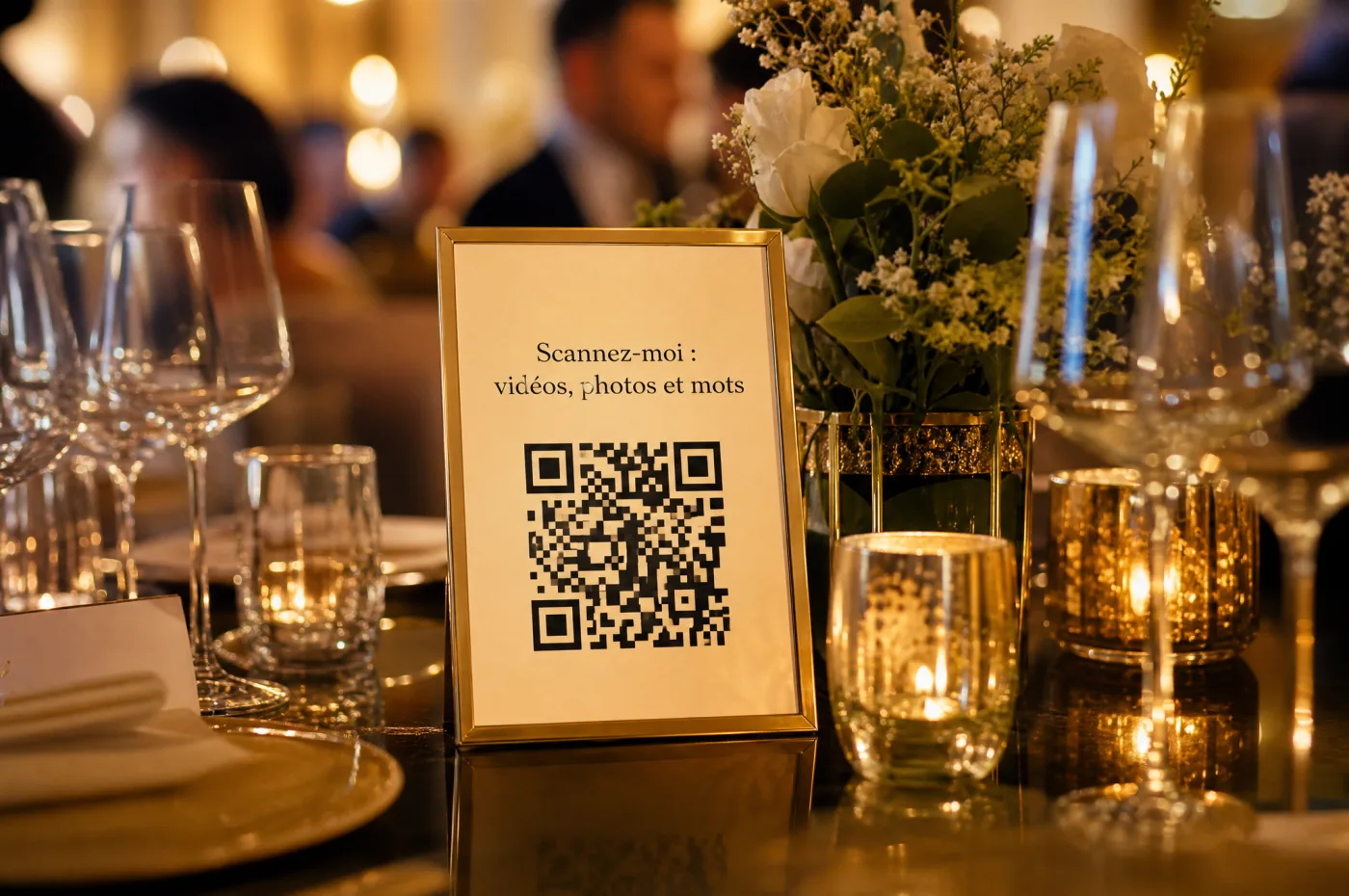
Print a proof
One sign and one table card, on the final paper, at the final size.

Scan with two phones
An iPhone and an Android phone, using the built-in camera, from real distance and in low light.

Send something for real
Open the page, send a photo, and check that it reaches you. Only then print the rest.
Printable
The sign checklist
- One sentence that says what to send, with a verb.
- “Scan with your camera” and “no app, no account,” if that is true.
- A dark code on a light background, with a white margin around it.
- Matte paper, with no glare under evening light.
- The same code at the entrance, the bar, the buffet, the tables and next to the screen.
- A proof tested on an iPhone and an Android phone before printing in bulk.
Where Video Message fits
Your event gets a single QR code, sent by email, that opens the guest page in the phone’s browser: one-minute videos, photos and written notes, with no app and no account. Welcome sign, table card, take-home card and flyer templates are ready to customize.
See all featuresFrequently asked questions
Do I need a QR code for every table?
No. Print the same code for every table. One code sends everything to the same place.
How big should a QR code be on a sign?
Big enough to scan from where the guest stands. Business-card size is fine on a table; for a sign read from a distance, go noticeably bigger and test the proof.
Why won’t my QR code scan?
Usually: the code is too small, the contrast too low, there is glare on a glossy surface, or a logo covers the center. Reprint it in black on matte paper with nothing on top.
Do guests need a QR scanner app?
No, the camera on recent phones reads QR codes. Say so on the sign: many guests do not know.
Can I put the QR code on the invitation or wedding website?
Yes, or the link. Guests who cannot attend can join in, and everyone else already knows what to do on the day.
Keep reading
How to collect guest photos
One destination, one QR code, one well-timed announcement, then download everything.
Show guest photos on a TV or projector
The gear, the connection, photo approval and a rehearsal before the party.
Who can see your guests’ photos?
Visibility, sharing and how long files are kept, depending on the tool you pick.
Guest photo sharing options compared
Group chats, shared cloud albums, QR code tools: the real pros and cons of each.
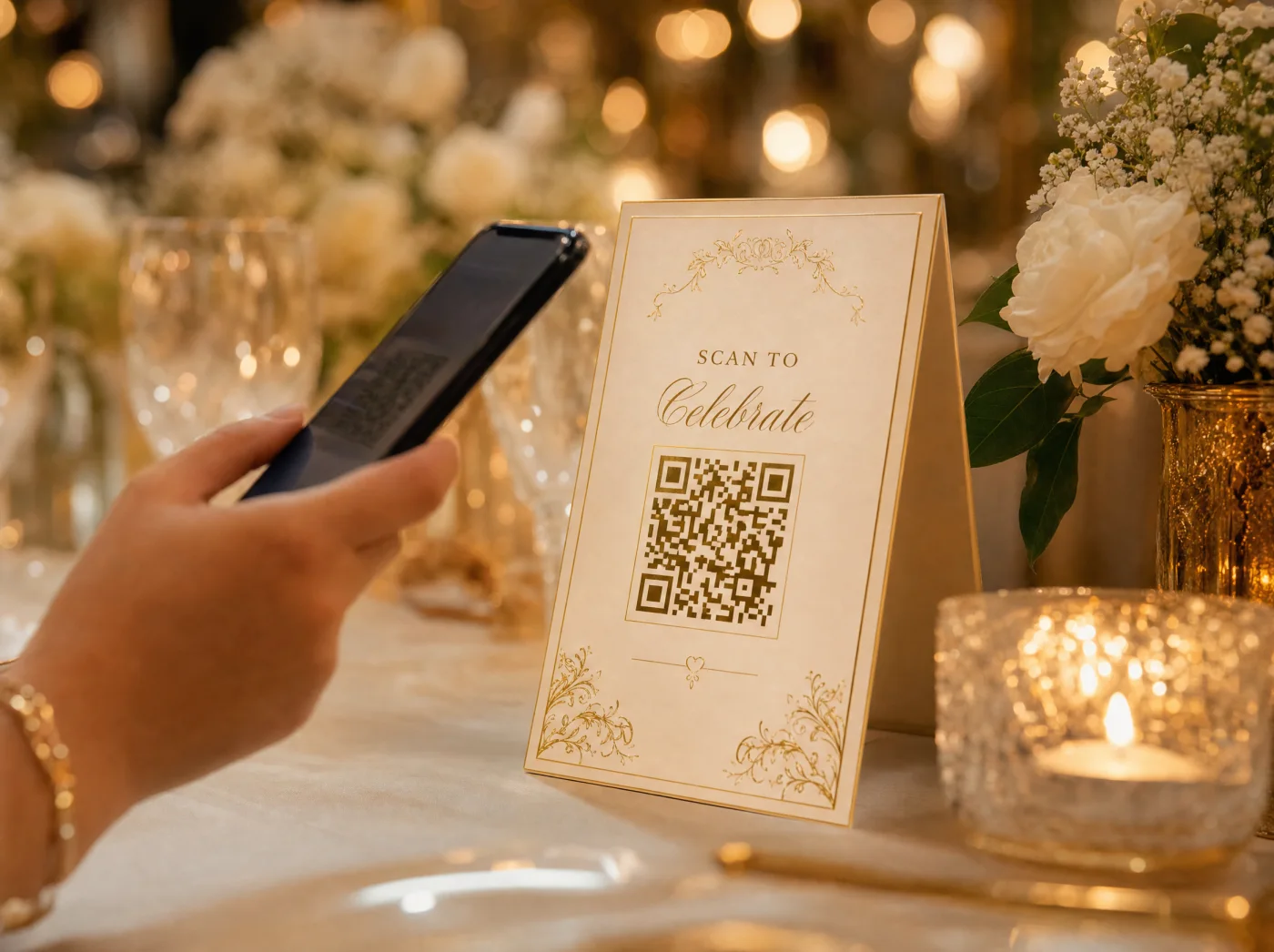
Sign templates
Welcome sign, table card, take-home card and flyer, ready to customize.
The shared photo album
Every guest’s photos, sent by QR code, in one place.