60th birthday
A video guest book for a 60th birthday
Sixty years of friends, family and colleagues, each saying a few words to the camera. One link, one QR code, and everything comes back to you.
See prices and orderWhat is a video guest book for a 60th birthday?
It is the video version of a guest book, not a paper book. You create your event, send guests one link by message and display one QR code at the party. Guests open it in their phone's browser, with no app and no account, and send videos of up to 1 minute each (up to 3 per phone), photos or written messages. You receive each video on its own, the photo album, the written messages and 2 films.
Why a video suits a 60th
A sixtieth birthday often gathers people from different chapters of a life: old school friends, former colleagues, cousins who live far away, grandchildren. A paper page holds a line or two. A video holds a voice, a laugh and the story only that person can tell.
Some guests will not make it to the party. The link works for them too, so a sister abroad or a longtime neighbor can film a message from home.
How you set it up
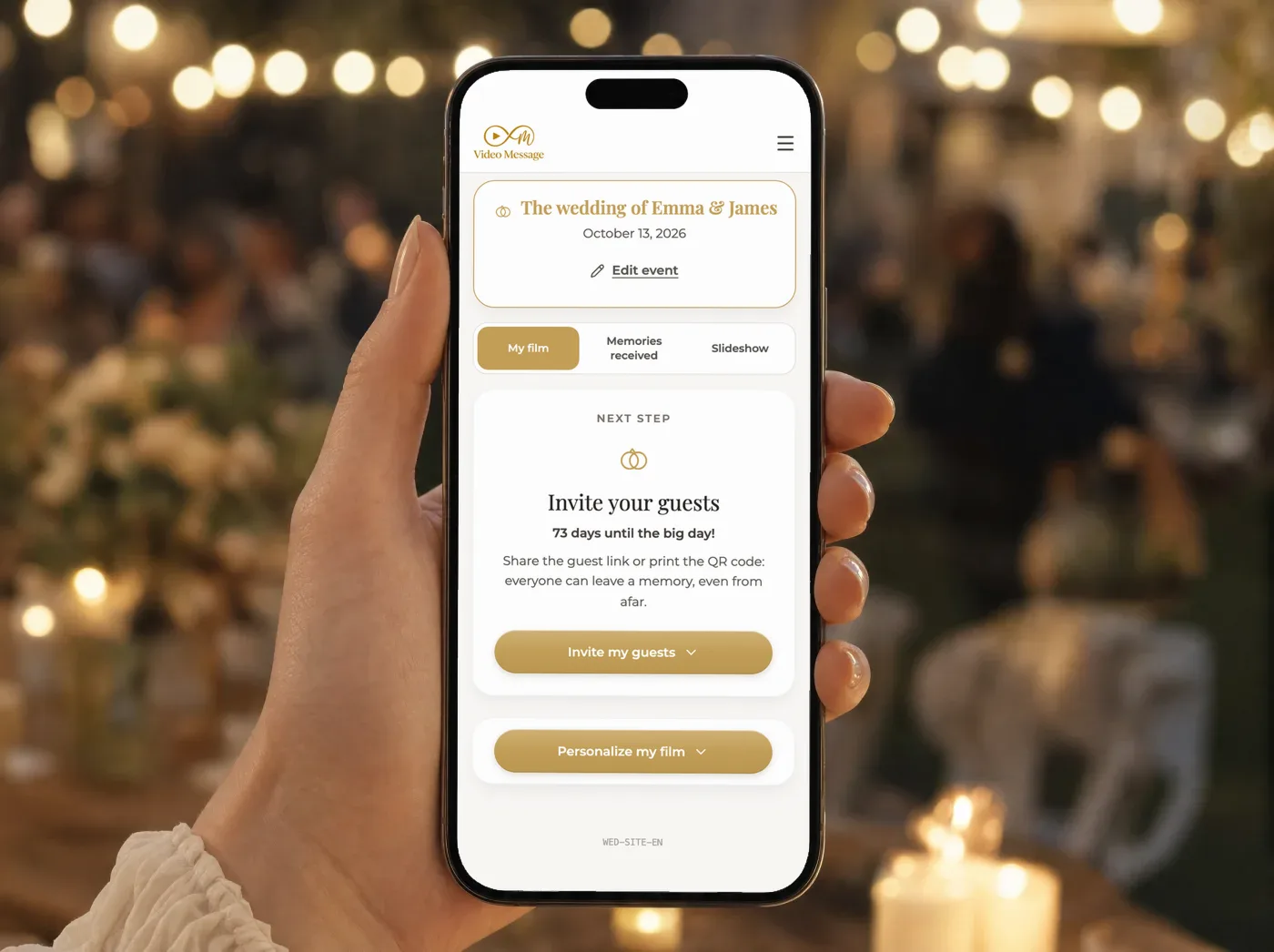
- Create your event and get your link and your QR code.
- Send the link by message, WhatsApp or email with the invitation.
- Print the QR code on a sign or table cards and place it in several spots at the venue.
The link is the main way guests contribute. The QR code is for people already standing in the room.
How guests send their messages
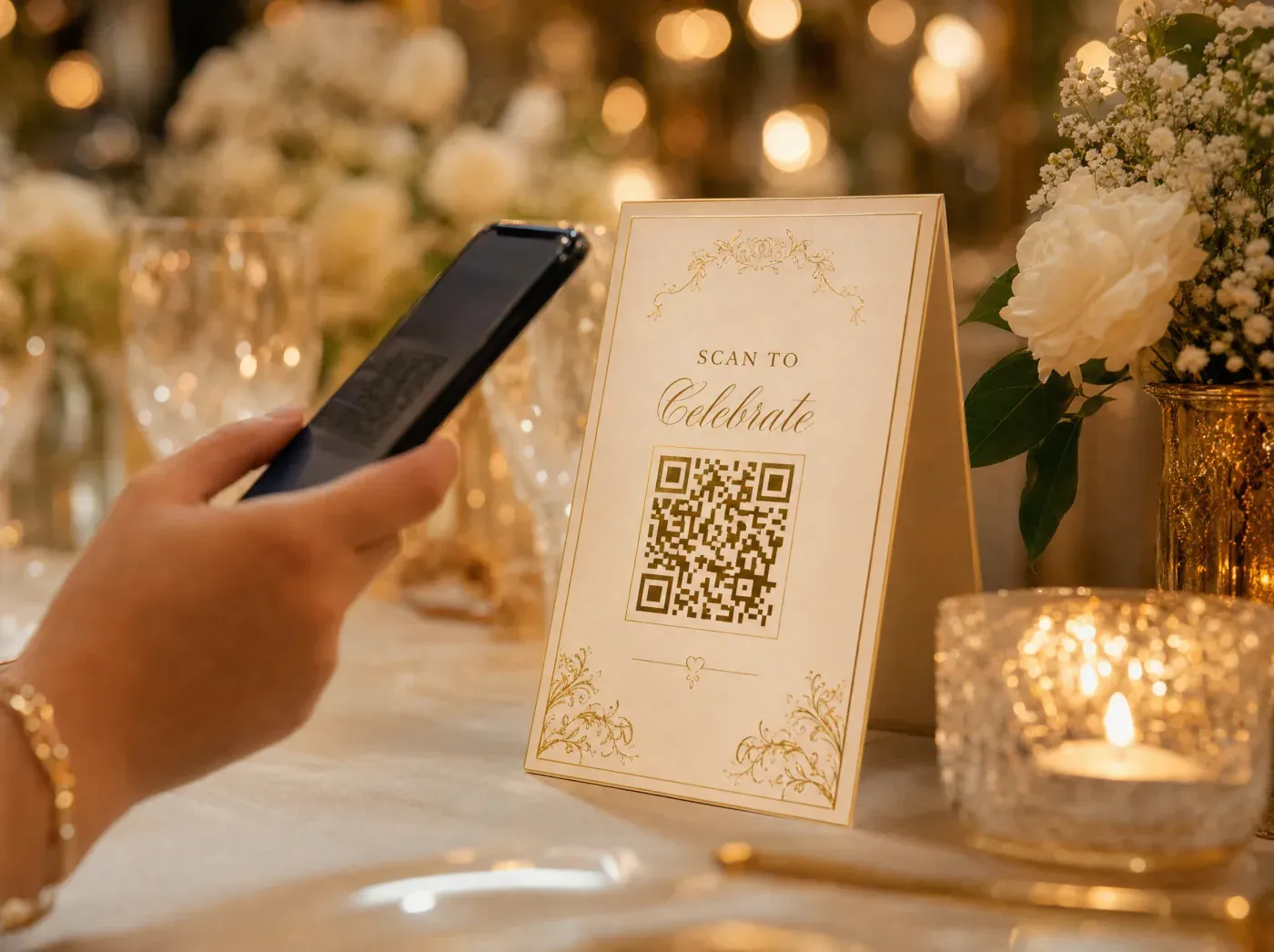
Open the link or scan the code
Guests use their phone's browser. There is nothing to install and no account to create.
Enter a first name
That is all the guest gives before sending.
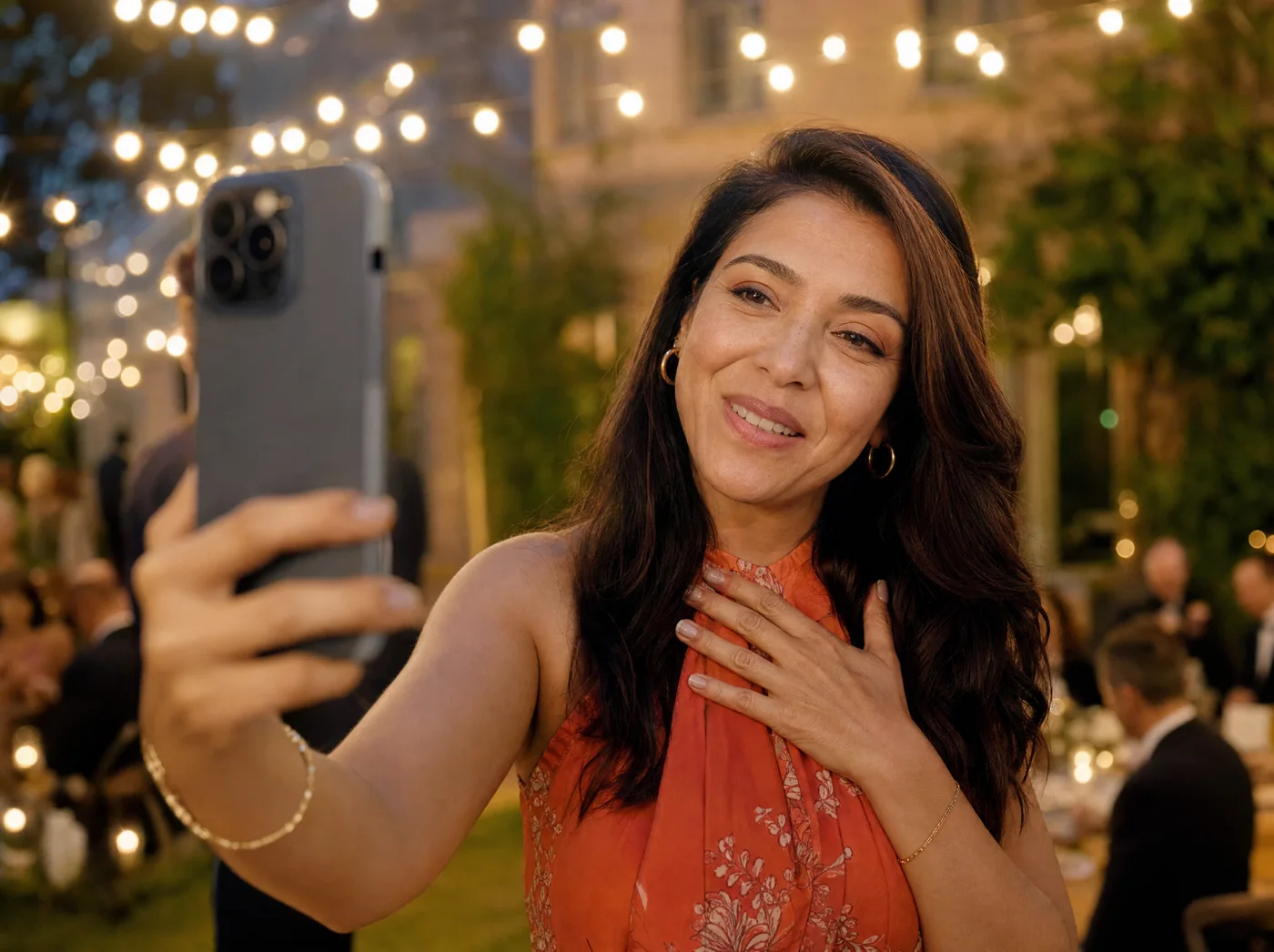
Film or pick a video
Guests film with the phone camera or choose a video already on the phone. Each video lasts at most 1 minute, and each guest can send up to 3 videos per phone.
Add photos or a written note
Guests can also send photos and written messages, for those who prefer not to be on camera.
What you receive
Four deliverables, all kept for you.
Every video message on its own
Each video arrives on its own, so you can watch, keep or share any one of them.
The photo album
Every guest photo goes into an album that is yours alone. Guests see photos only if you open the guest gallery or show the live slideshow.
The written messages
All notes are collected for you, and also as a PDF book. It is digital only, never printed.
2 films
The first film is made automatically from the video messages. Then you build a personalized film mixing videos, photos and written messages, choosing content, order, mood, music, color look, transitions and opening and closing text.
During the party and after
Guests send during the party and for a few days after. You choose when the collection closes, and you can send guests a reminder if you want more messages to arrive.
The first film is ready within 24 hours after the collection closes. The later you close, the later that film arrives, so decide with that in mind.
Everything stays available for 3 months after the first film is delivered, a protection for the people who appear in it. Download the films, photos and messages to keep them for good.
Message ideas for guests
“Sixty years, and you still make every room louder and warmer. Happy birthday.”
“I remember the day you taught me to drive. I am still alive, so thank you.”
“Grandpa, tell us again about the summer you turned twenty. We love that one.”
“Working beside you was the best part of those years. Enjoy every minute of this one.”
Good to know
- Each video lasts at most 1 minute, and each guest sends up to 3 videos per phone.
- The photo album goes to you only, unless you open the guest gallery.
- The written messages come as a PDF book, digital only, never printed.
- The later the collection closes, the later the first film arrives.
Questions about the 60th birthday video guest book
Is this a paper guest book?
No. It is the video version, sent from the guests' phones. You receive videos, photos and written messages digitally, and the written messages also as a PDF book.
Do older guests need an app?
No app and no account. They open the link or scan the QR code in their phone's browser, give a first name and send.
Can guests who cannot attend take part?
Yes. Send them the link by message or email and they can film from home.
How much does it cost?
One event costs $49. A pack of 3 events costs $99. Professionals can find volume pricing on the shop page.
Can I plan several events?
Yes. One account can manage several events, each with its own code, for example a party and a family lunch.
Give your 60th a lasting voice
Create your event, send the link and let the messages arrive.
Go to the shopOne event: $49. Pack of 3 events: $99.