40th birthday
40th birthday messages guests can say or write
Real wording for family, friends, colleagues, children and guests far away. Pick a line, make it yours, and send it from your phone.
See how it worksWhat should you say in a 40th birthday message?
Name one specific moment you shared, say what you admire in the person today, and end with a wish for the decade ahead. Keep it to a few sentences. For a video, speak as you would at the table: it lasts 1 minute at most. For a funny message, tease the habit, never the age. For her, for him, for a friend or a sister, the structure stays the same.
A simple recipe for any 40th message
Turning 40 is a milestone, and most guests freeze because they want to say something big. Skip big. Use three beats:
- A moment. The road trip, the first apartment, the night the car broke down.
- A quality. What this person is like to be around.
- A wish. One line about the decade ahead.
Say it out loud once before you film. If it fits in a few sentences, it is the right length.
Close family: for her, for him, for a husband
“Happy 40th, my love. You still laugh at the same bad jokes as the day we met, and I hope you never stop. Here's to a decade of more road trips and fewer alarm clocks.”
“Mom, you turned 40 and somehow became the person everyone calls first. Thank you for always picking up. I love you.”
“Little sister, I remember you at ten, stealing my sweaters. Now you're 40 and you still look better in them. Proud of you every single day.”
“Dad, forty looks good on you. Keep the terrible puns coming. We're keeping a running list.”
Friends: warm and funny 40th birthday messages
“We met at nineteen and thought forty was ancient. Turns out it's just the age when you finally know which friends to keep. You're one of them.”
“Happy 40th. Your knees now make a noise when you stand up, and honestly, so do mine. Let's celebrate sitting down.”
“You told me life begins at 40. I checked: it begins at brunch. See you there, my treat.”
“From the first apartment to the group chat that never sleeps, you've been there. Forty looks great on you. Cheers to what's next.”
Colleagues, children and guests far away
“Working with you has made every Monday better. Happy 40th. May your inbox be empty and your calendar full of fun.”
“Happy birthday, Aunt! You're 40, which sounds really old, but you're the funniest grown-up I know.”
“Grandma says to tell you that 40 is still young. She also says to eat something. Happy birthday!”
“I wish I were at your table tonight. Instead I'm filming this from my kitchen, glass raised. Happy 40th, and I'll see you very soon.”
Tips to help shy guests
Many people are happy to write and nervous on camera. A few small nudges change that.
Offer the recipe
Share the three beats: a moment, a quality, a wish. A plan removes most of the fear.
Remind them it is short
A video lasts 1 minute at most, and guests can send up to 3 videos per phone. A first try does not have to be the only one.
Let them write instead
Written messages and photos count just as much. Shy guests can send words, and the host also gets them as a PDF book (digital only).
Film or pick from the phone
Guests can film with the phone camera or choose a video they already have, recorded calmly at home before the party.
Suggest a quiet spot
A corner away from the music makes the message clearer and the guest calmer.
Start with one sentence
"Happy 40th, it's [name]." Once that is said, the rest usually follows.
How you collect the messages with Video Message
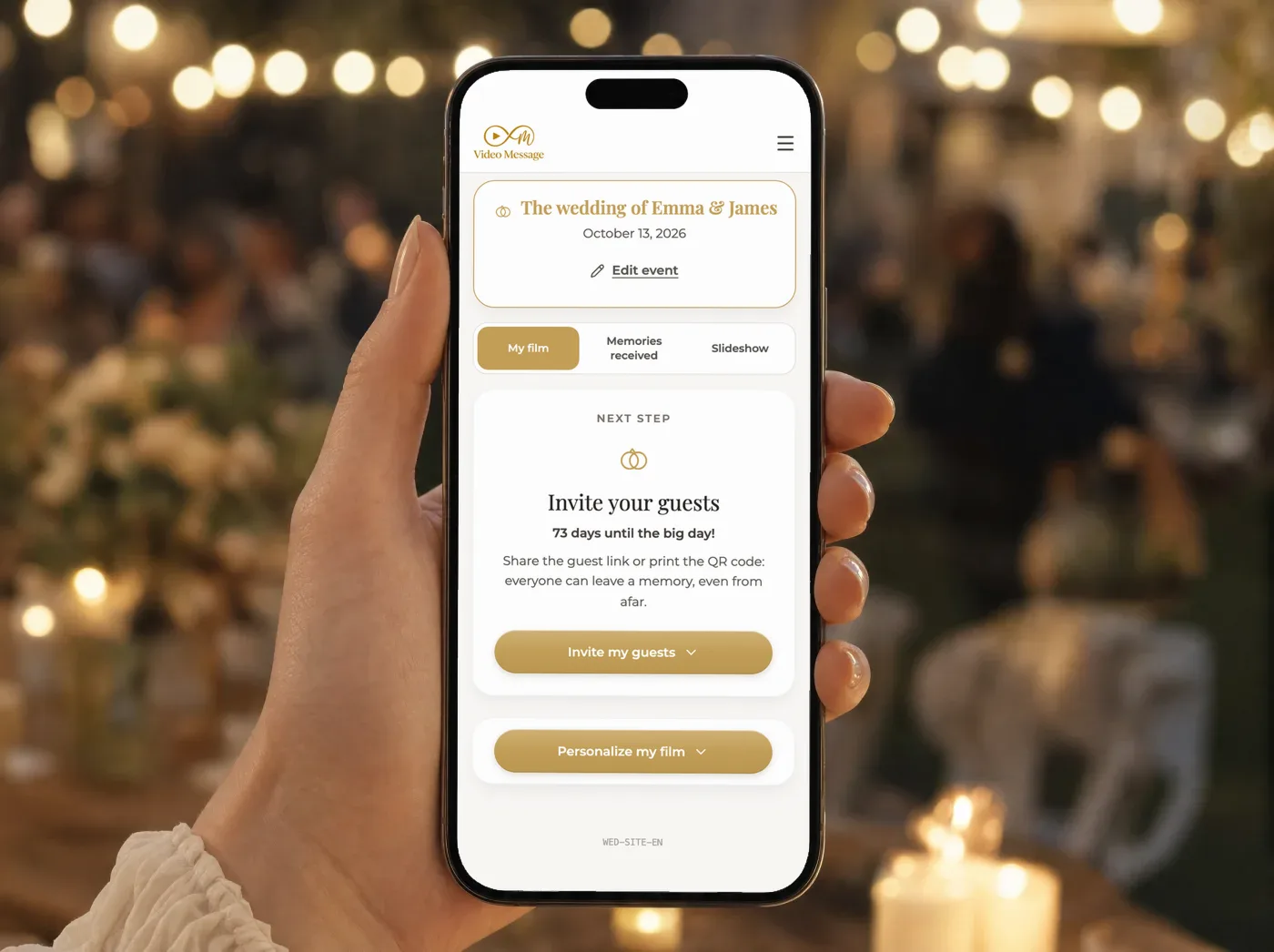
Share one link or one QR code
Send the link by message, WhatsApp or email. Print the QR code on signs and table cards, in several places at the venue.
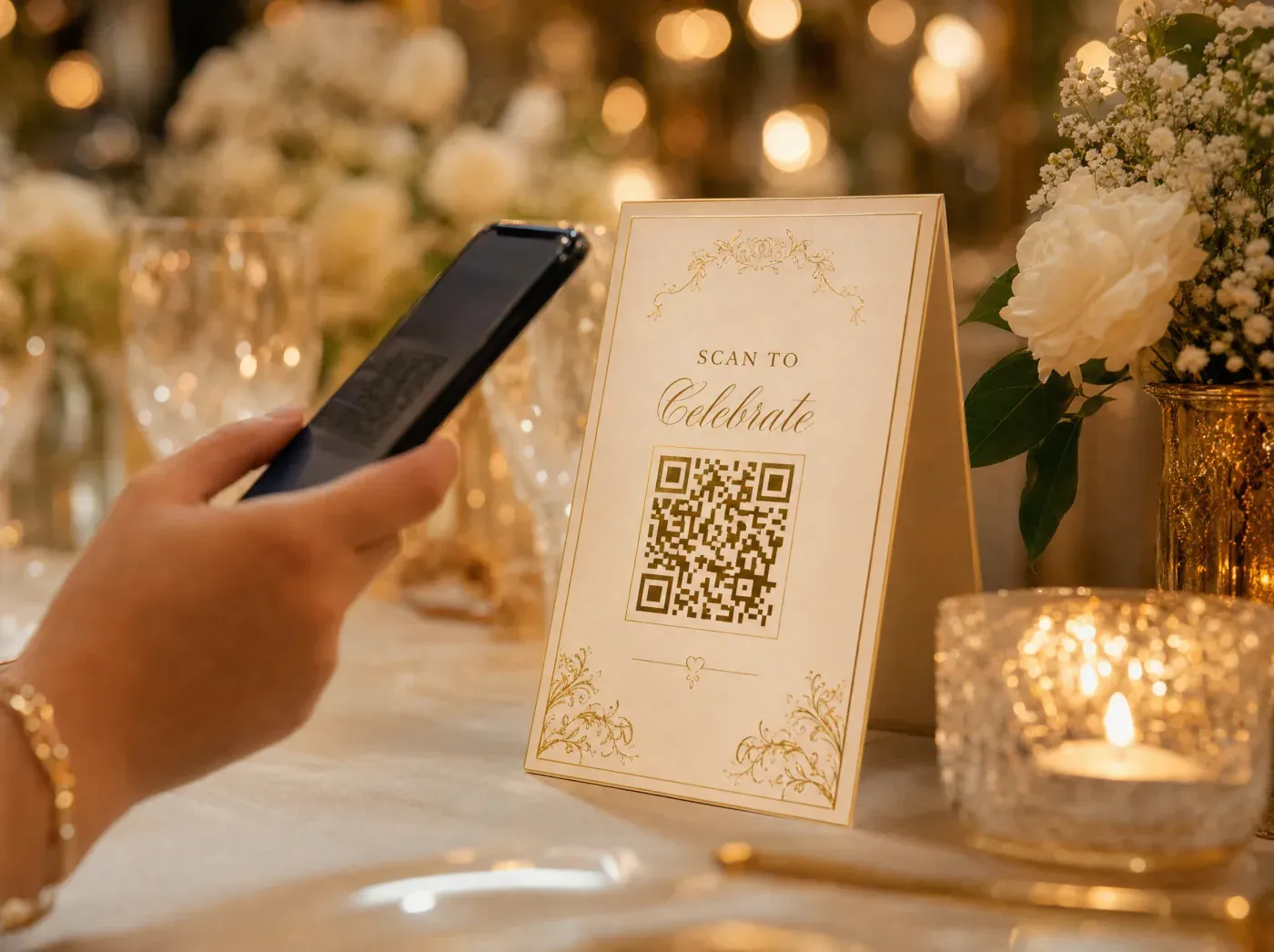
Guests send from their phone
They open it in the browser, with no app and no account. They give a first name, then send videos, photos and written messages.

You choose when it closes
Guests send during the party and for a few days after. You can send a reminder. The later you close, the later the first film arrives.

Receive everything and the films
You get the video messages, the photo album, the written messages and 2 films. The first automatic film is ready within 24 hours after the collection closes.
Four things you receive
The video messages, the photo album (for you only), the written messages and the films sit at the same level. The second film is personalised: you choose content, order, mood, music, colour look, transitions and the opening and closing text.
Everything stays available for 3 months after the first film is delivered, which protects your guests' privacy. Download the films, photos and messages to keep them forever.
Questions about 40th birthday messages
What is a good short message for a 40th birthday?
"Happy 40th. Thank you for being someone I can count on. Here's to a great next decade." Add one detail only you know and it becomes personal.
How do I keep a funny message kind?
Tease habits, not age or looks. The coffee order, the terrible singing, the lateness. End with a warm line so the laugh lands softly.
Can guests who are far away take part?
Yes. They open the same link on their phone and send a video, photo or written message, even if they are not at the party.
How long can a video message be?
Up to 60 seconds, and each guest can send up to 3 videos per phone. A few sentences spoken at a calm pace fit easily.
Do guests need to install anything?
No. They open the link or scan the QR code in their browser, with no app and no account.
Do guests see each other's messages?
Not by default. The photo album goes to you only. Guests see photos only if you open the guest gallery or show the live slideshow, which is photos only and which you can moderate.
Gather every 40th birthday message in one place
One event costs $49. A pack of 3 events costs $99.
Go to the shopOne account can manage several events, each with its own code.